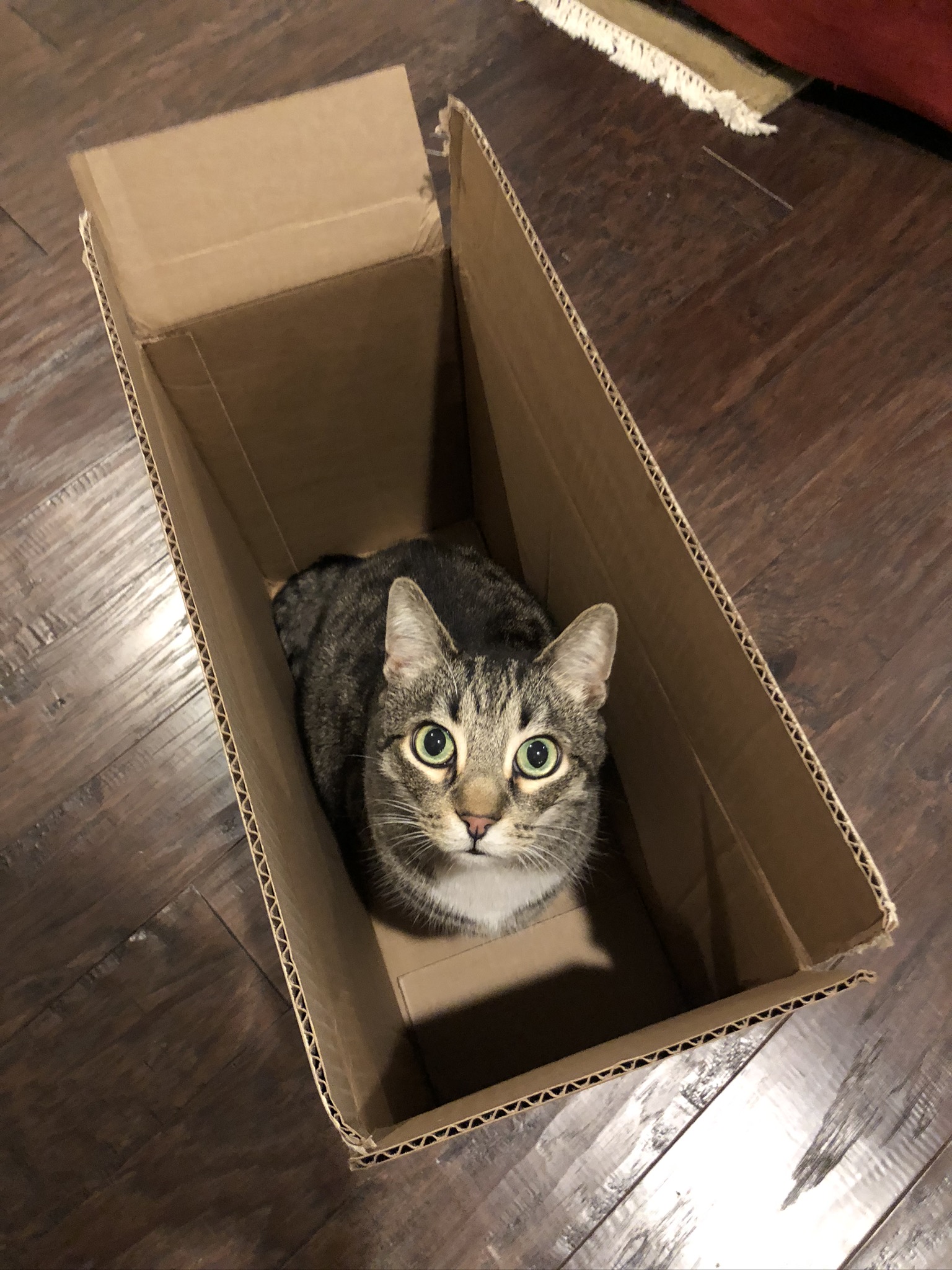
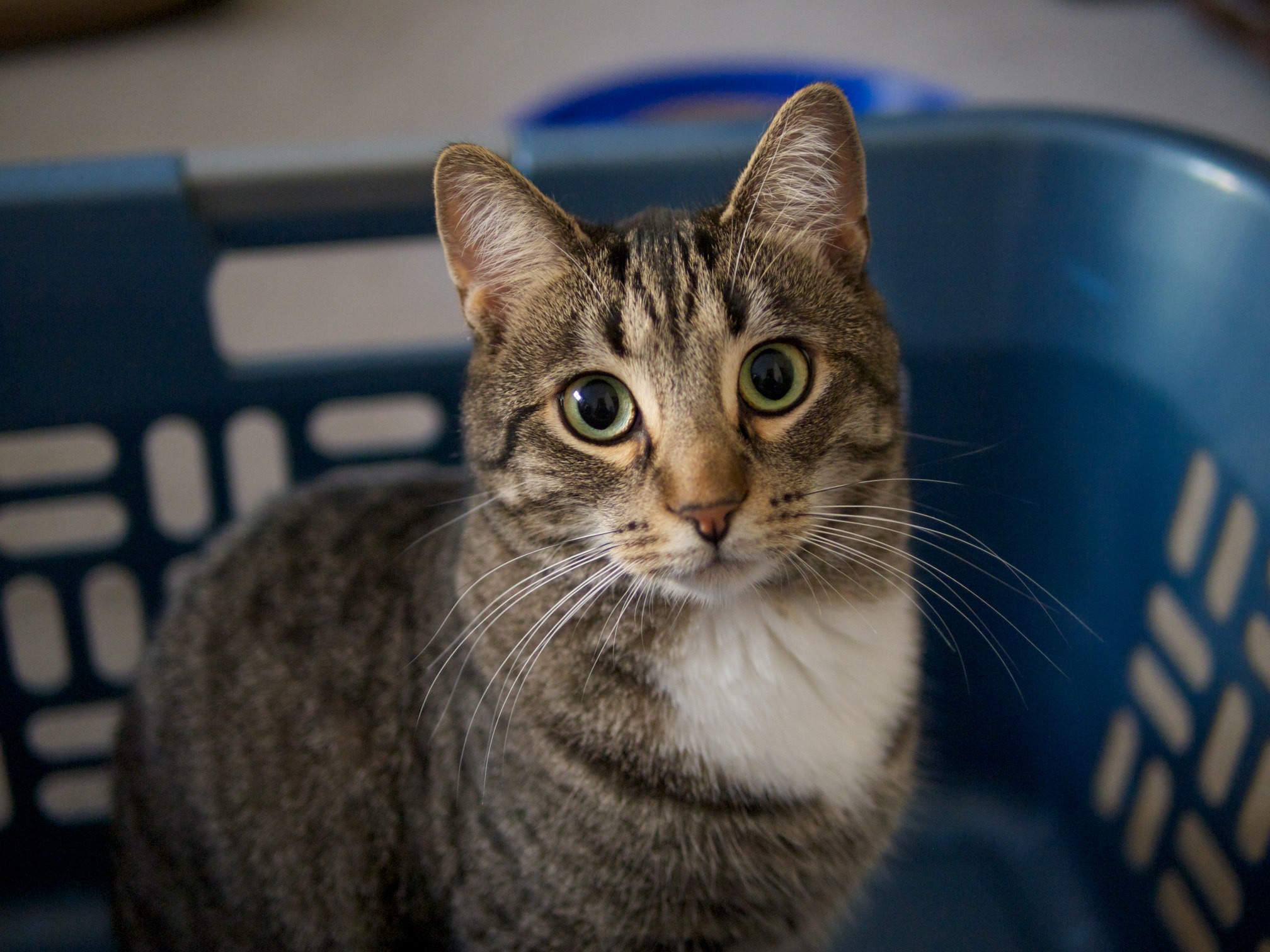
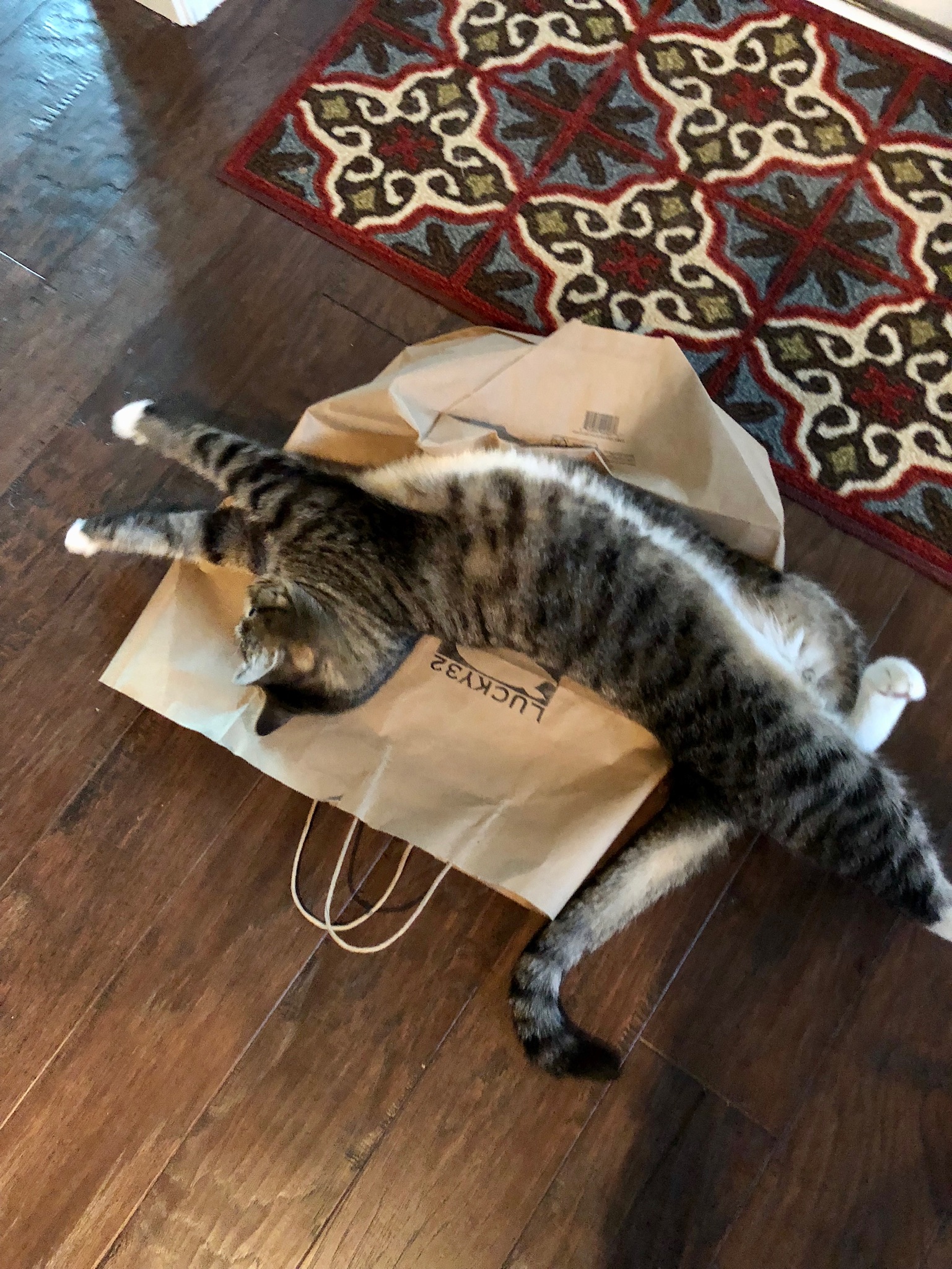
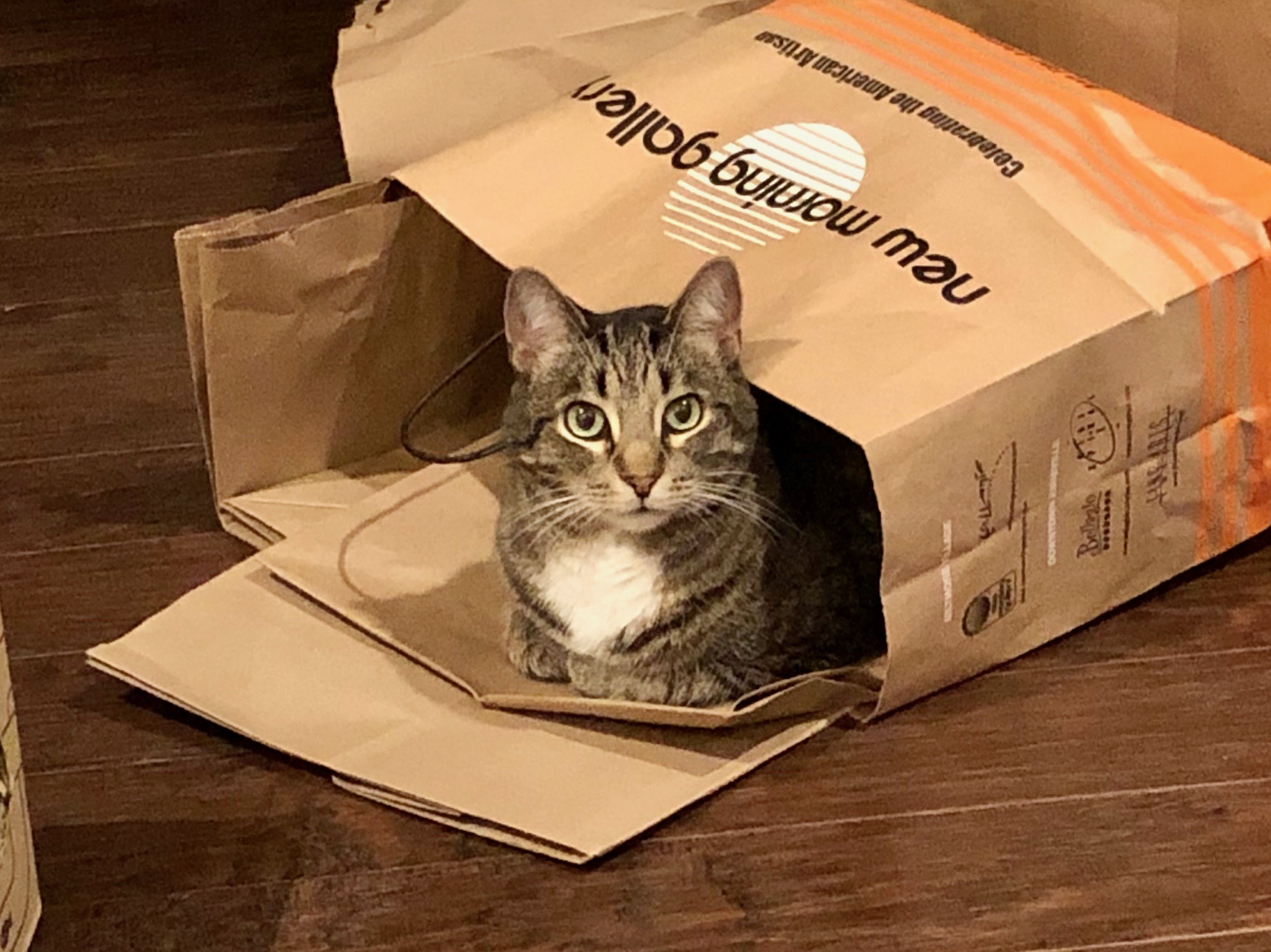
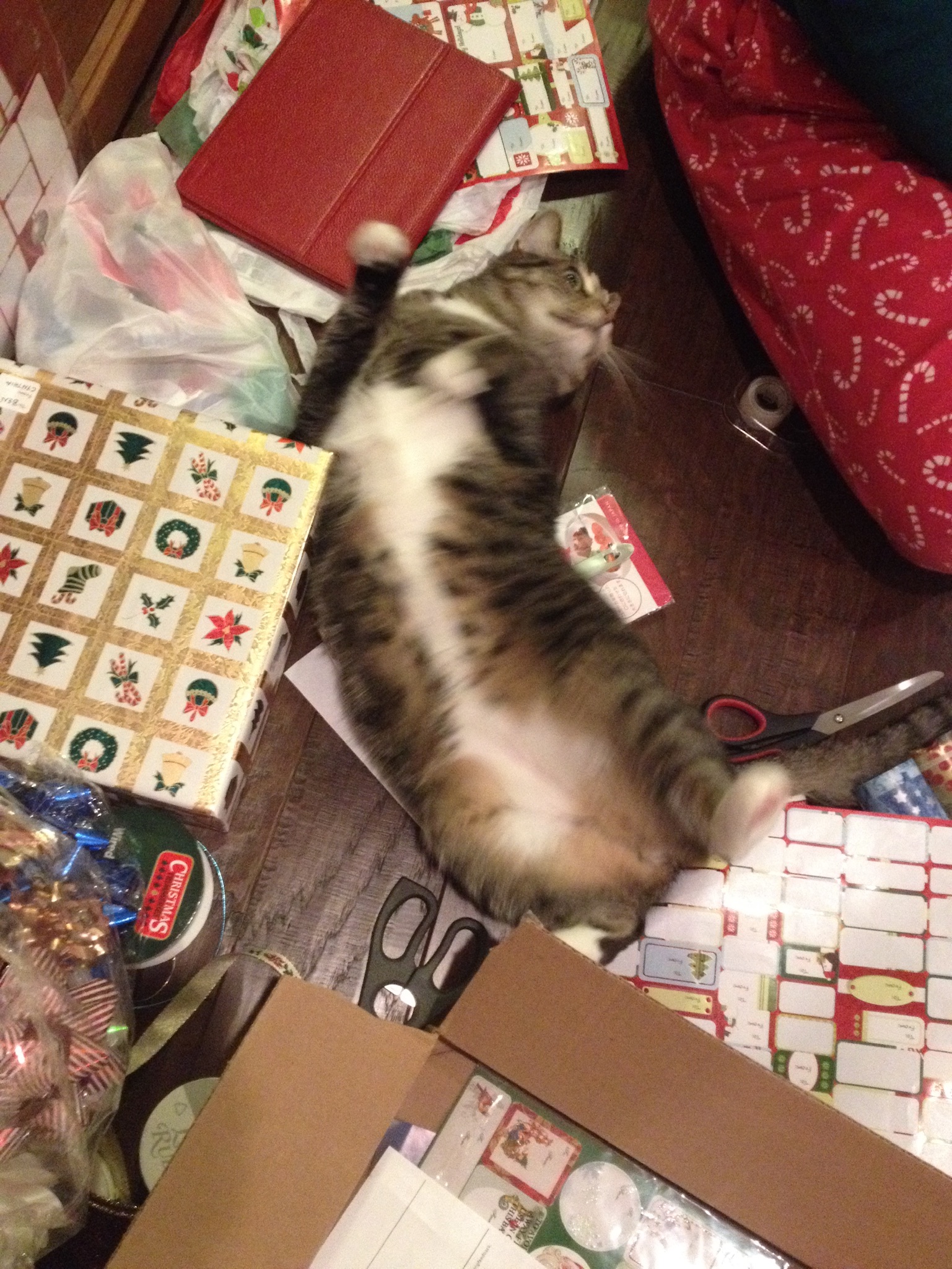
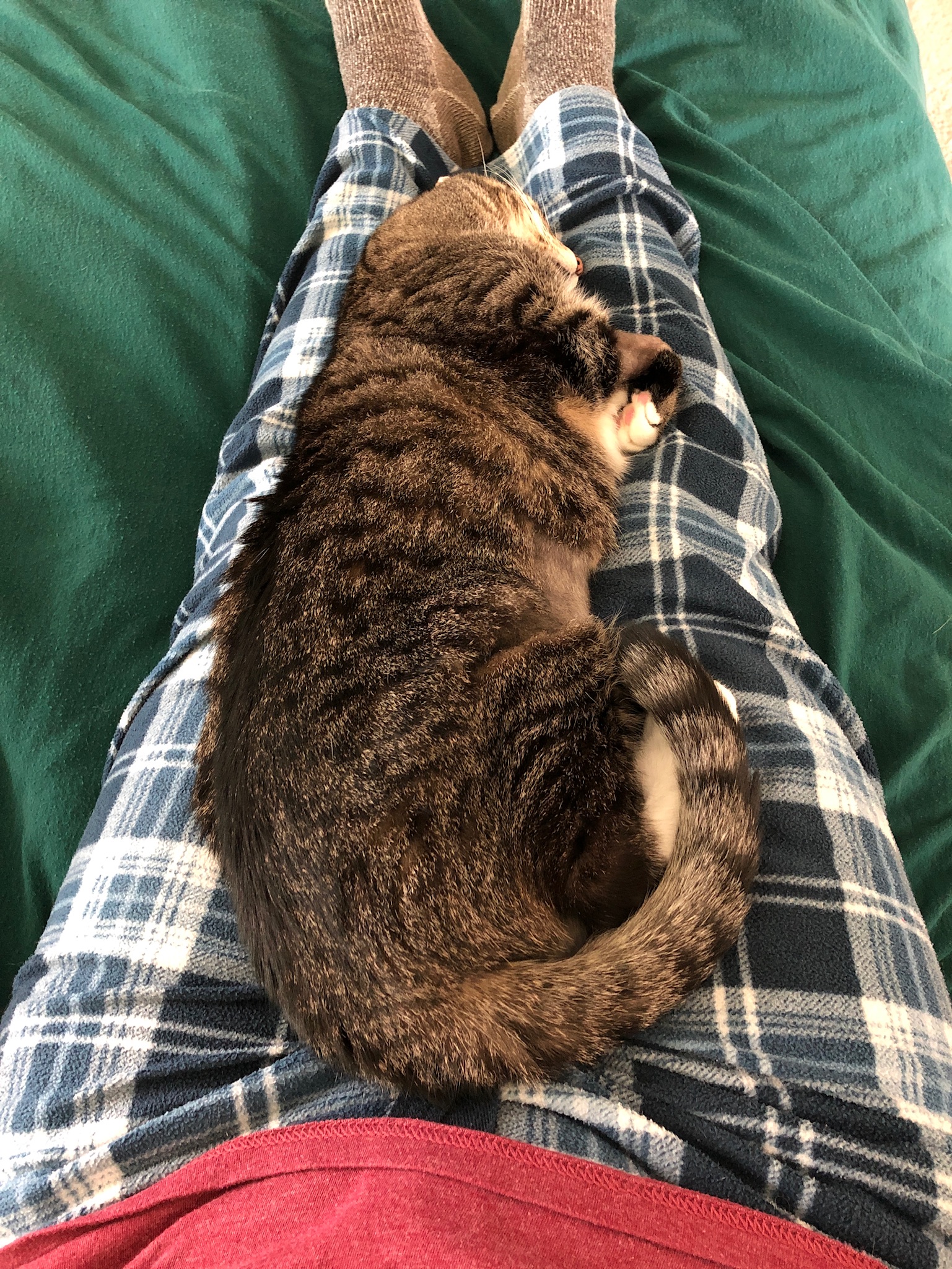
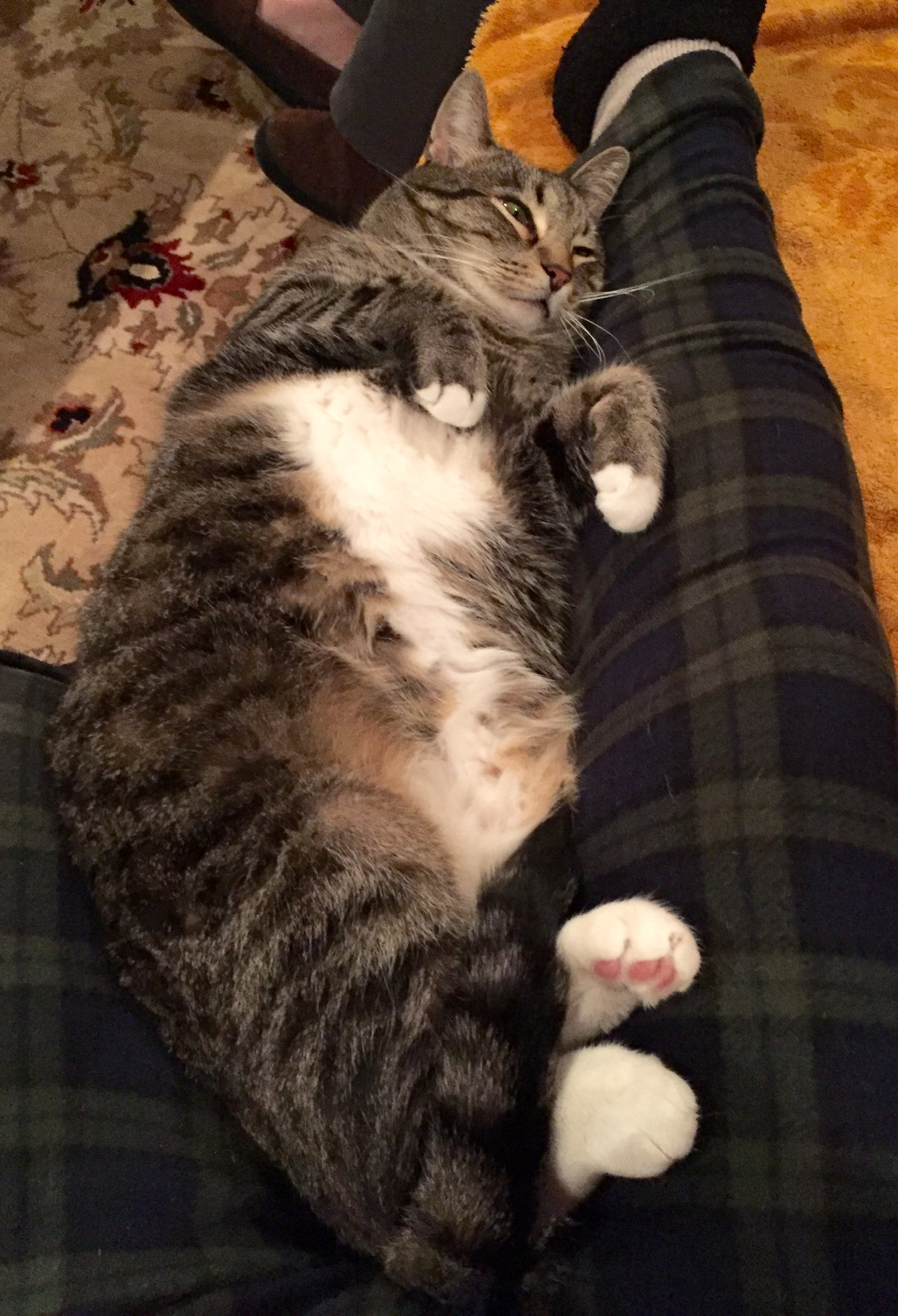
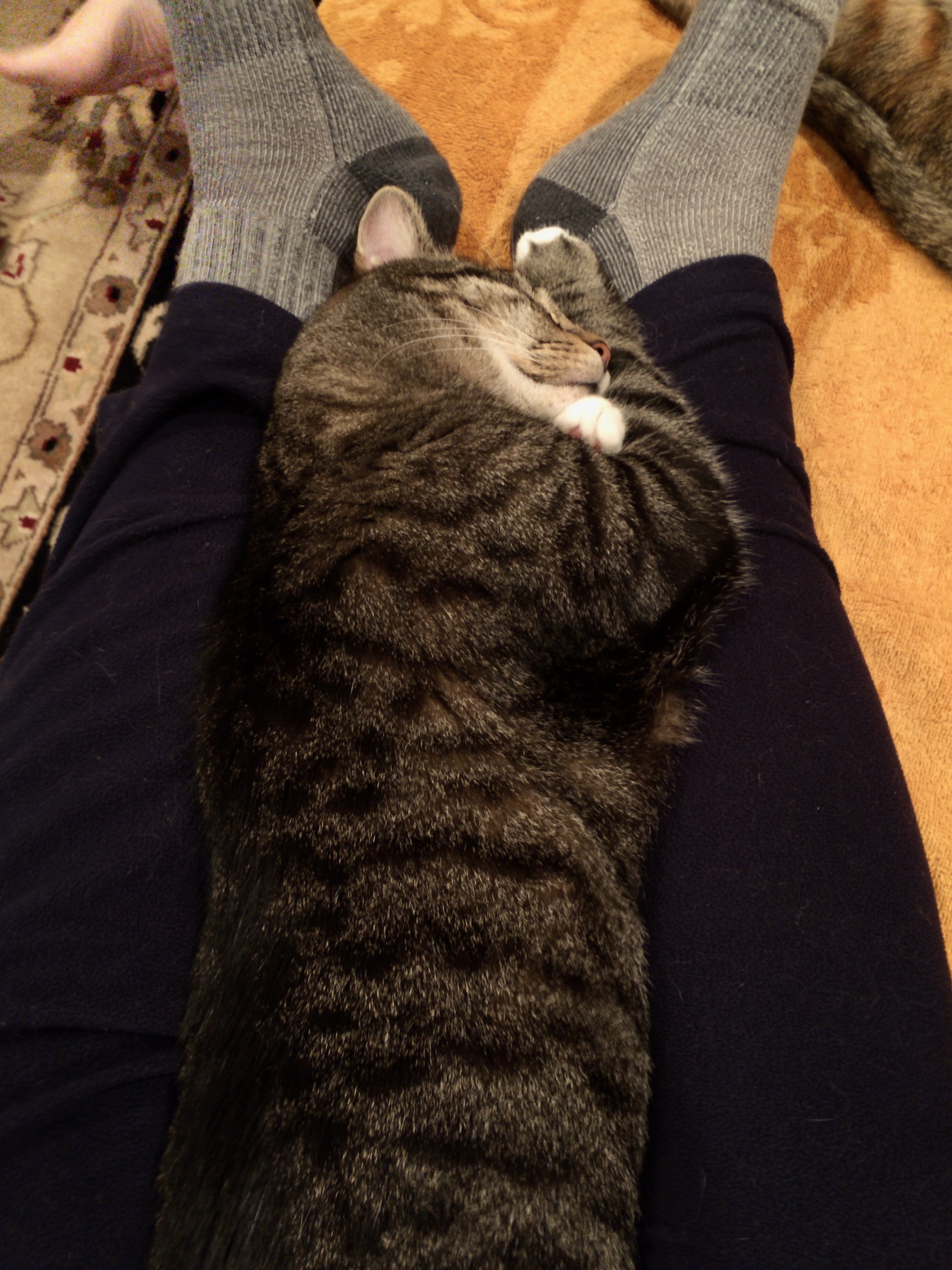
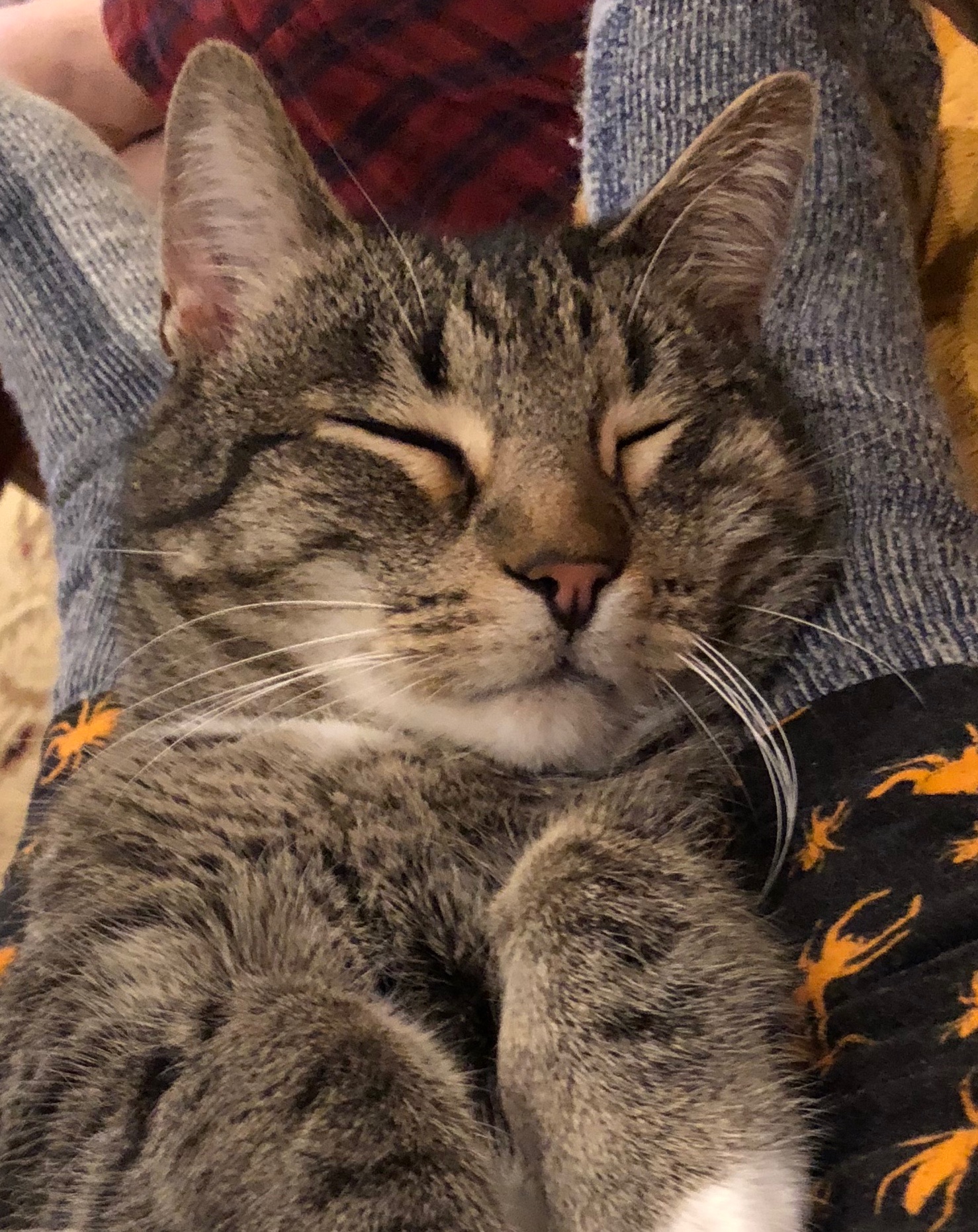
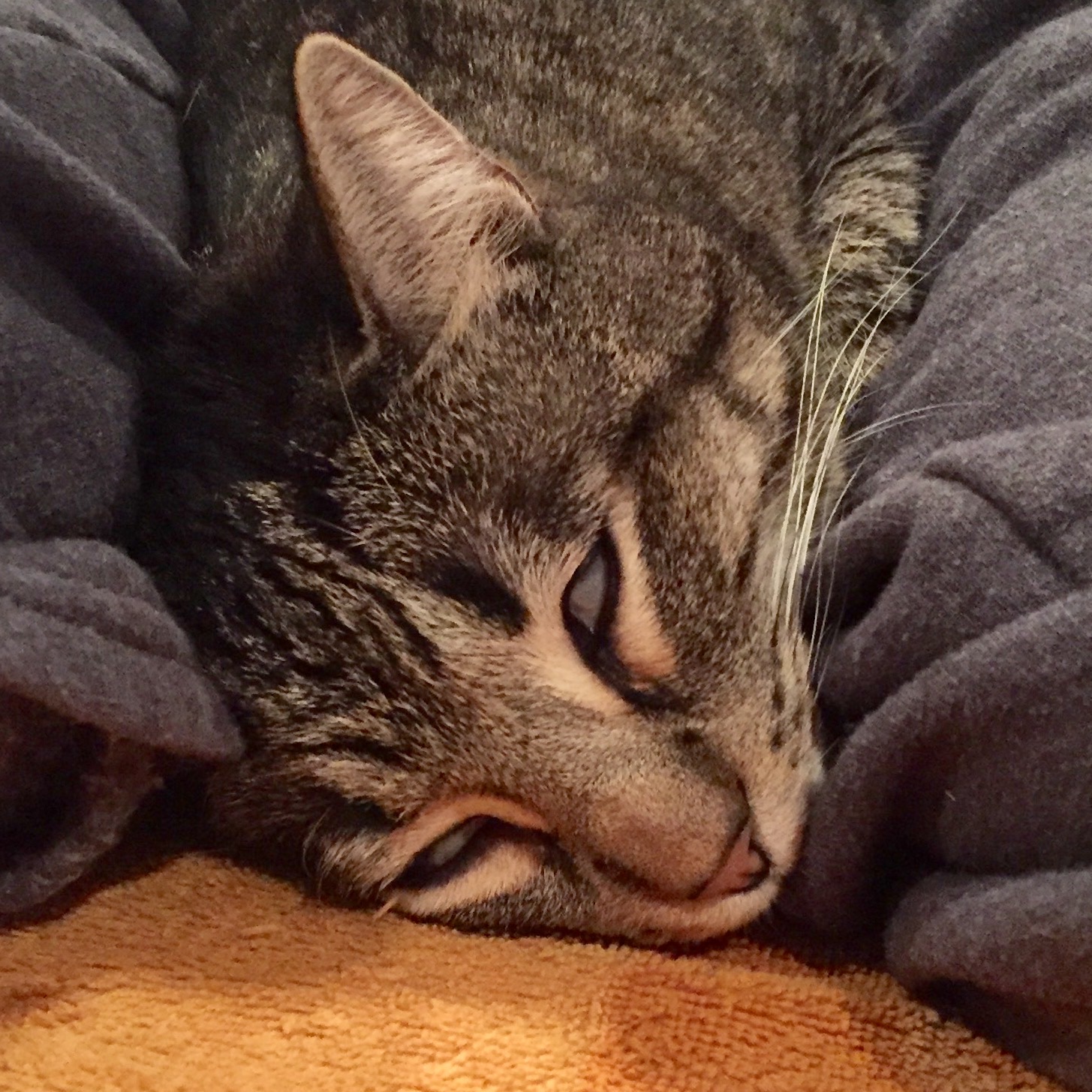
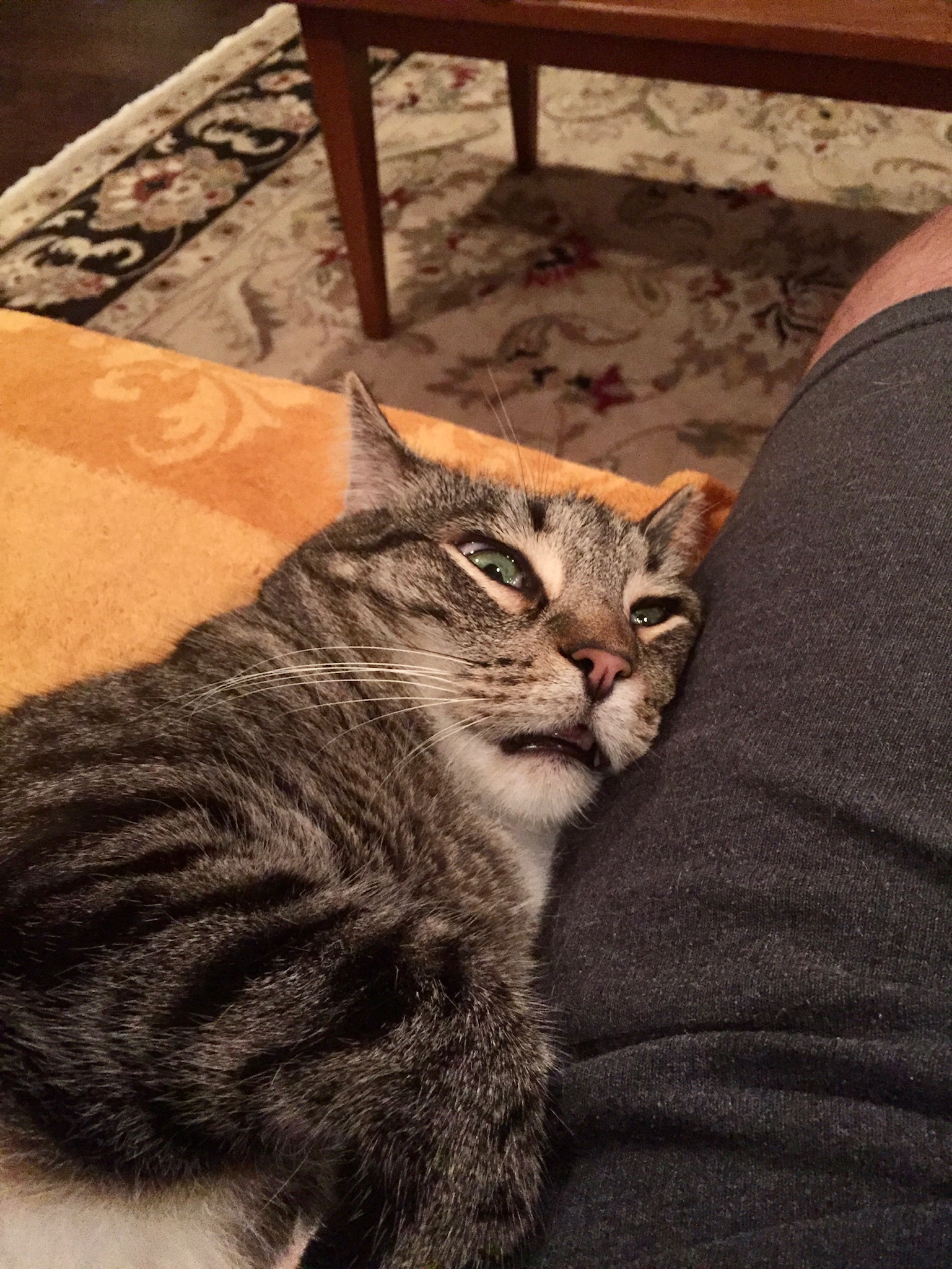
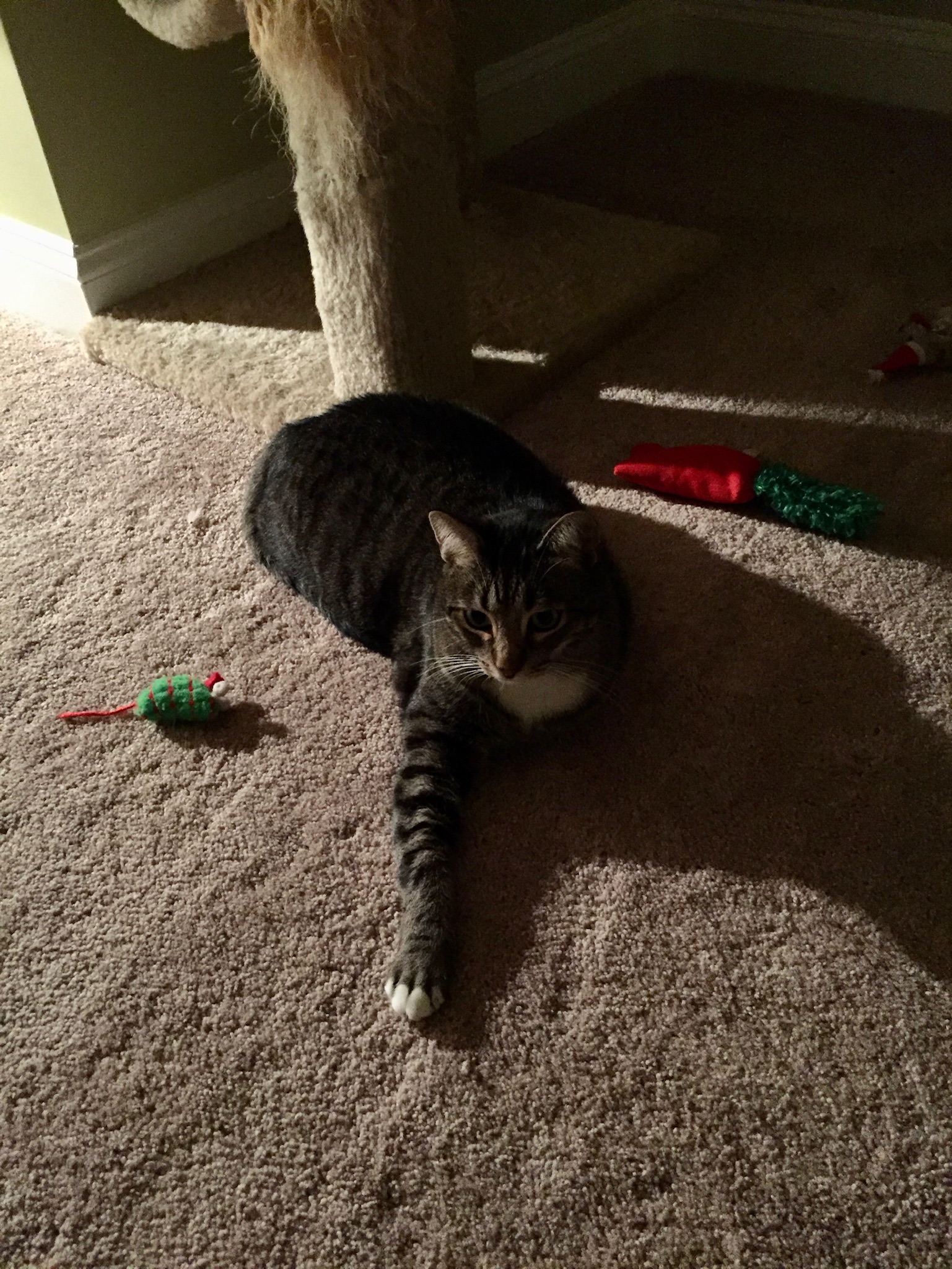
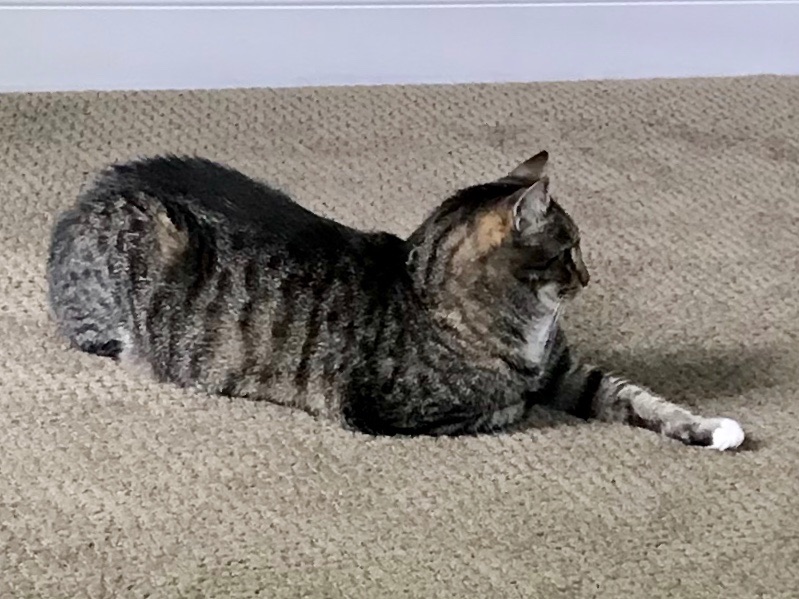
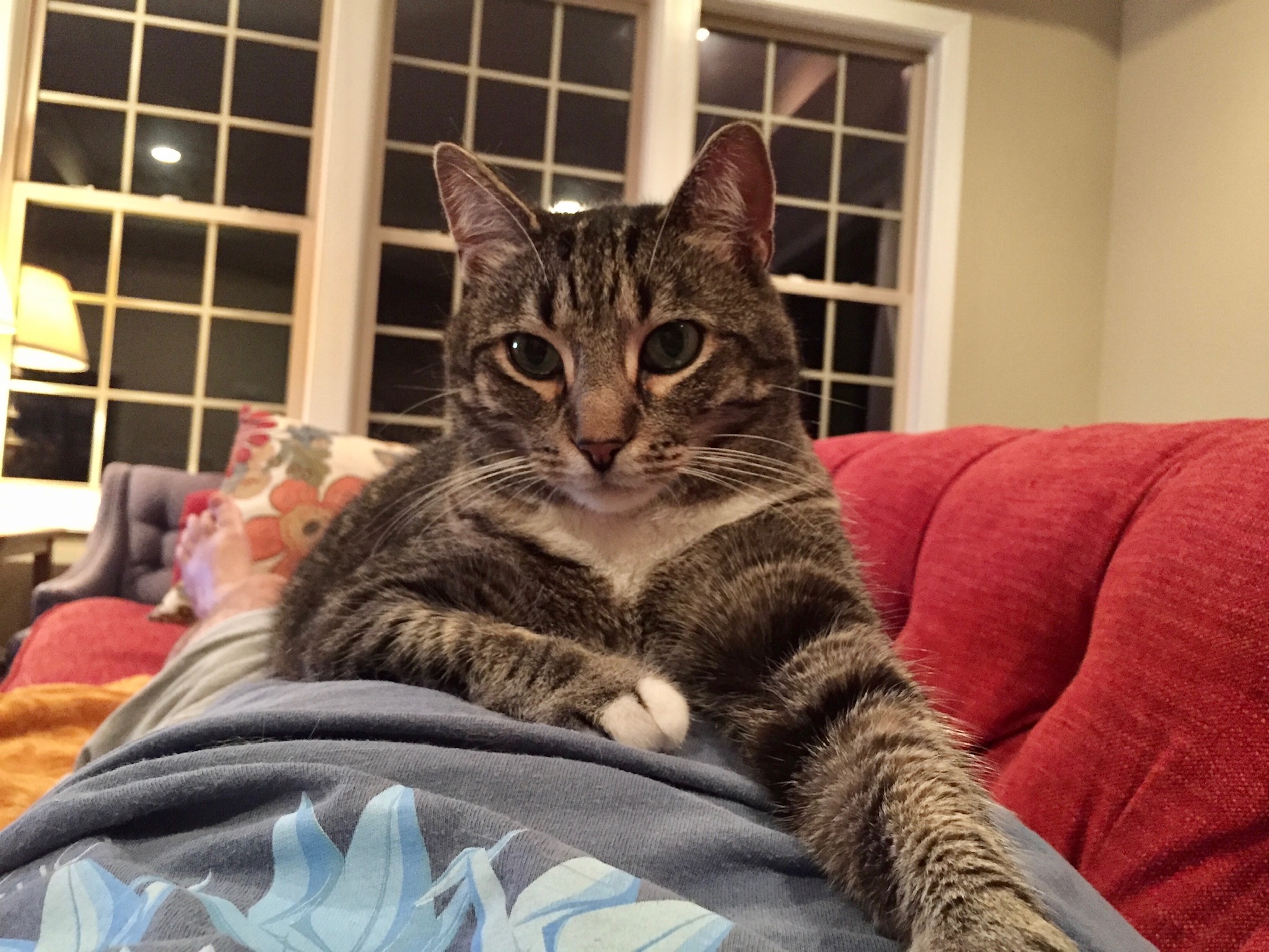
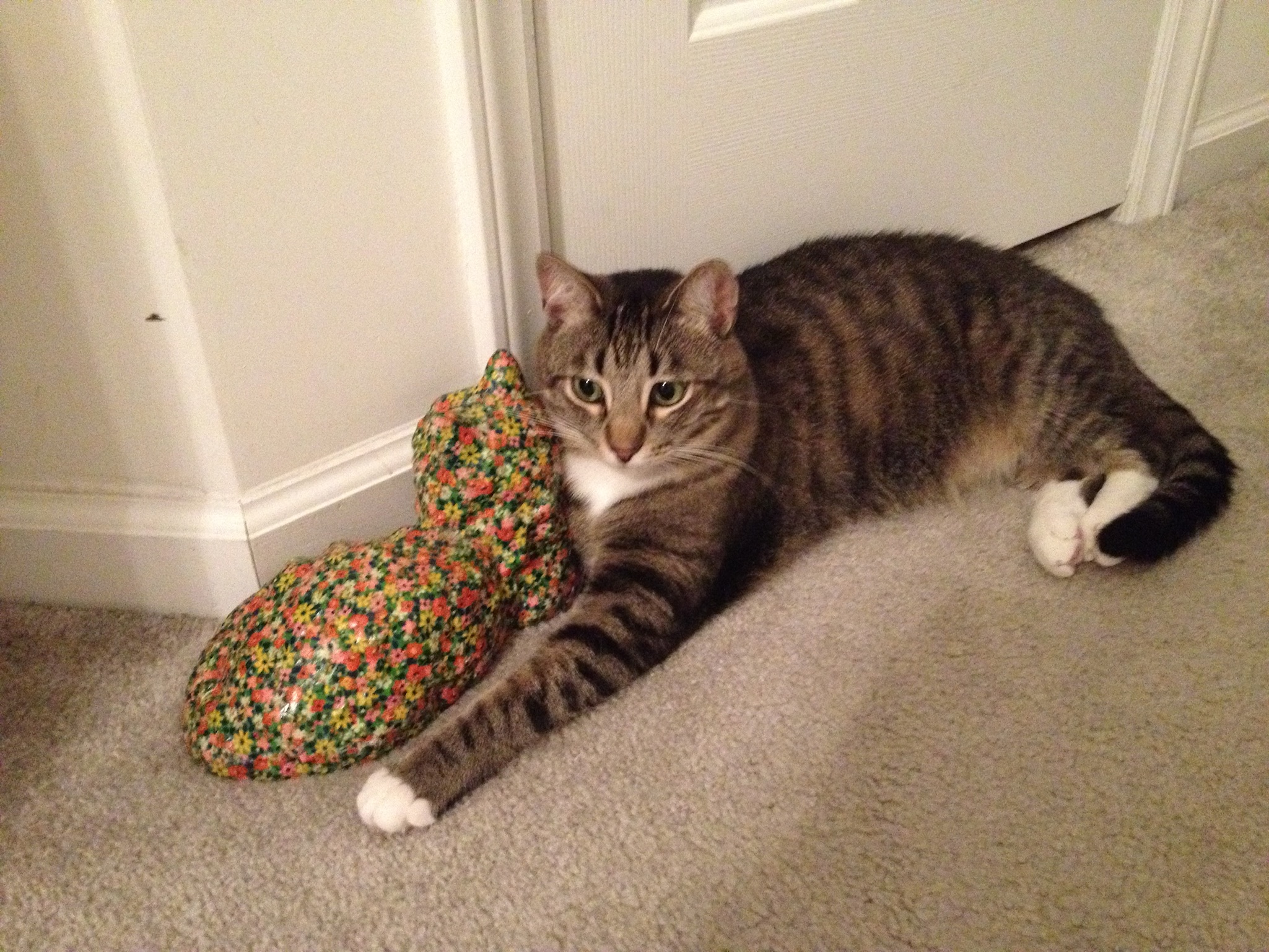
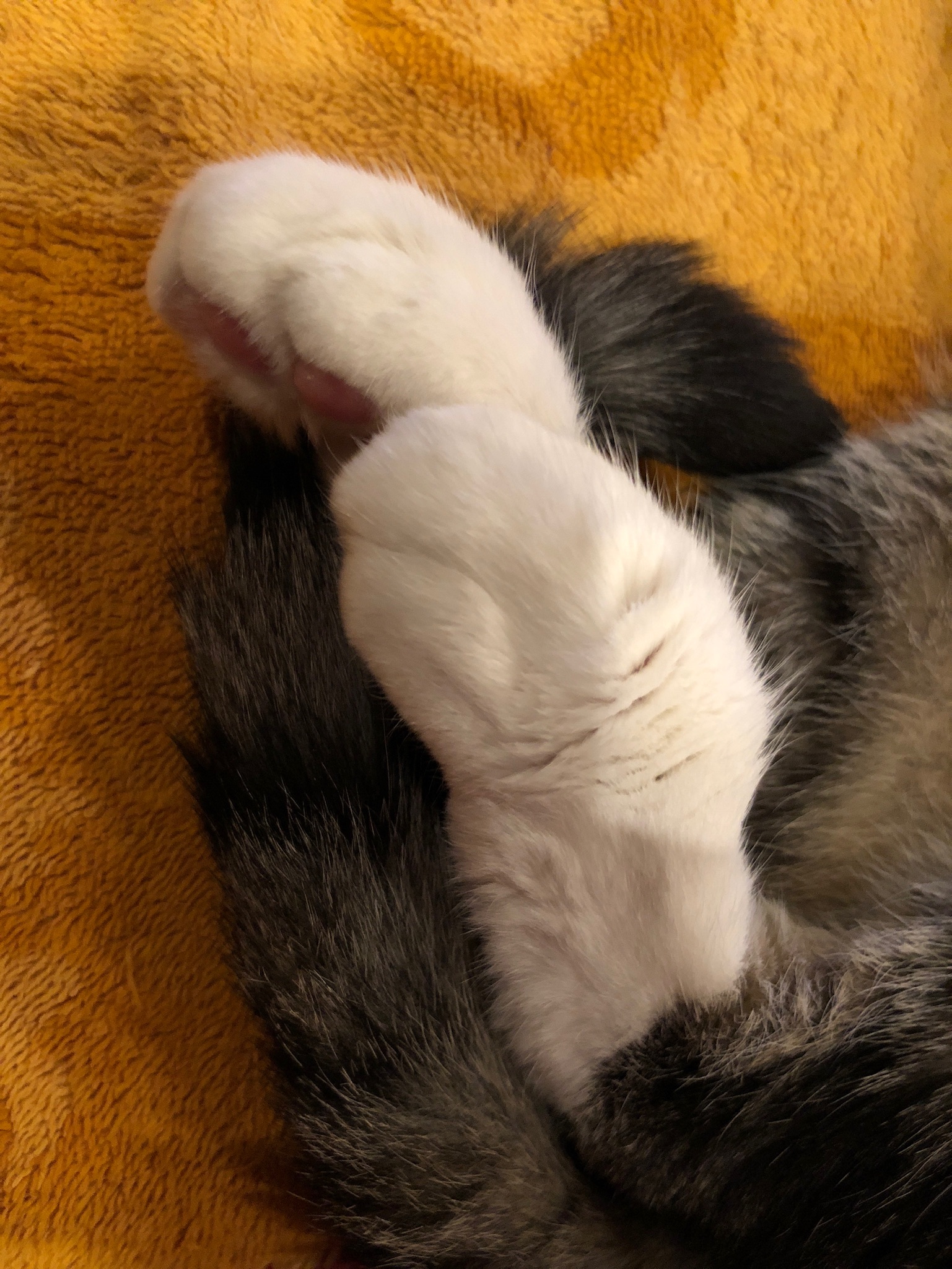
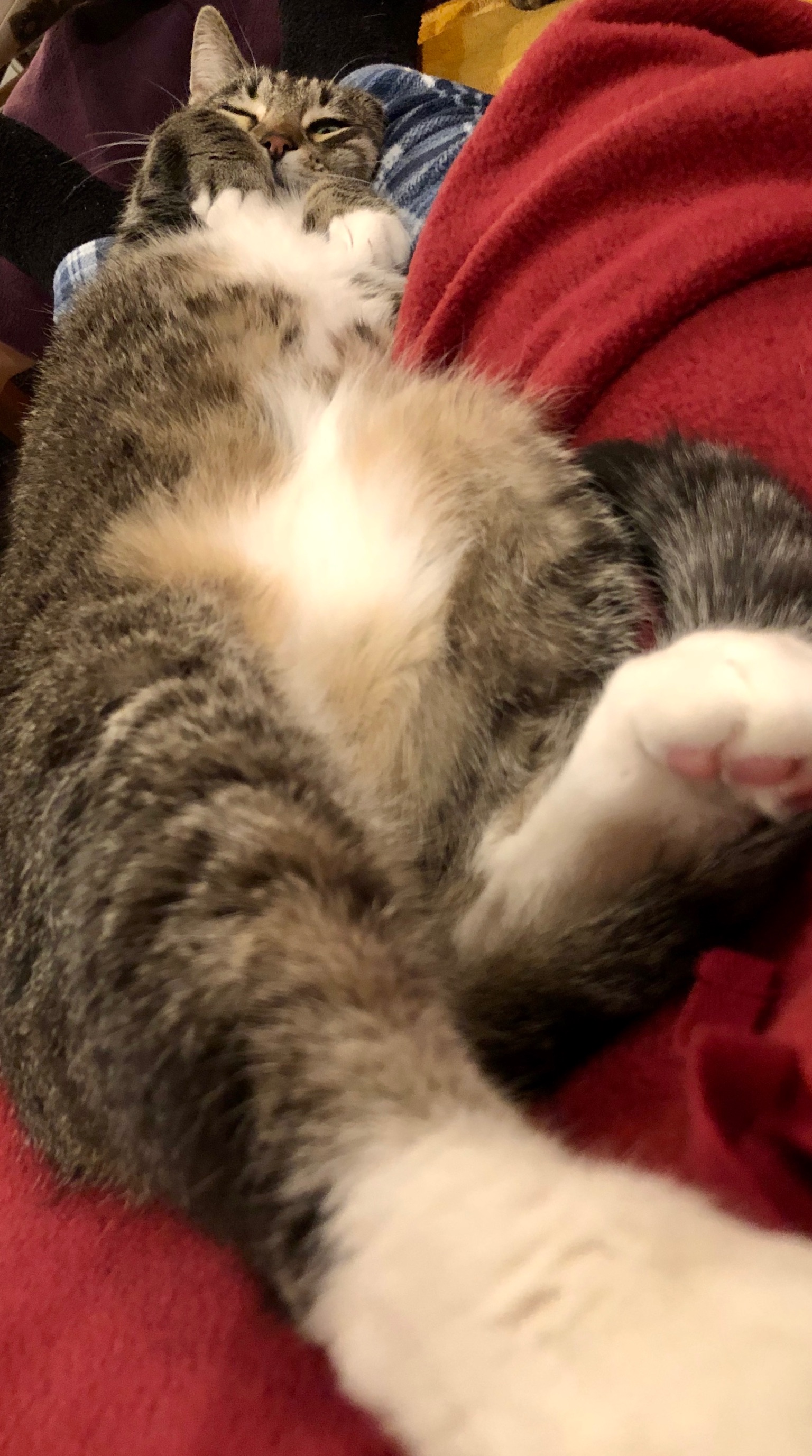
I couldn’t bring myself to talk about it at the time, and with the holidays and family visiting it got busy enough to distract myself, but he was my buddy and he deserves a proper eulogy.
Haku had a rough start as a kitten. He had some kind of infection that was giving him a rash on his ears and appeared to be eating a portion of his nose. We treated it but honestly the vet was never quite sure what it was and we think it just cleared up eventually on its own.
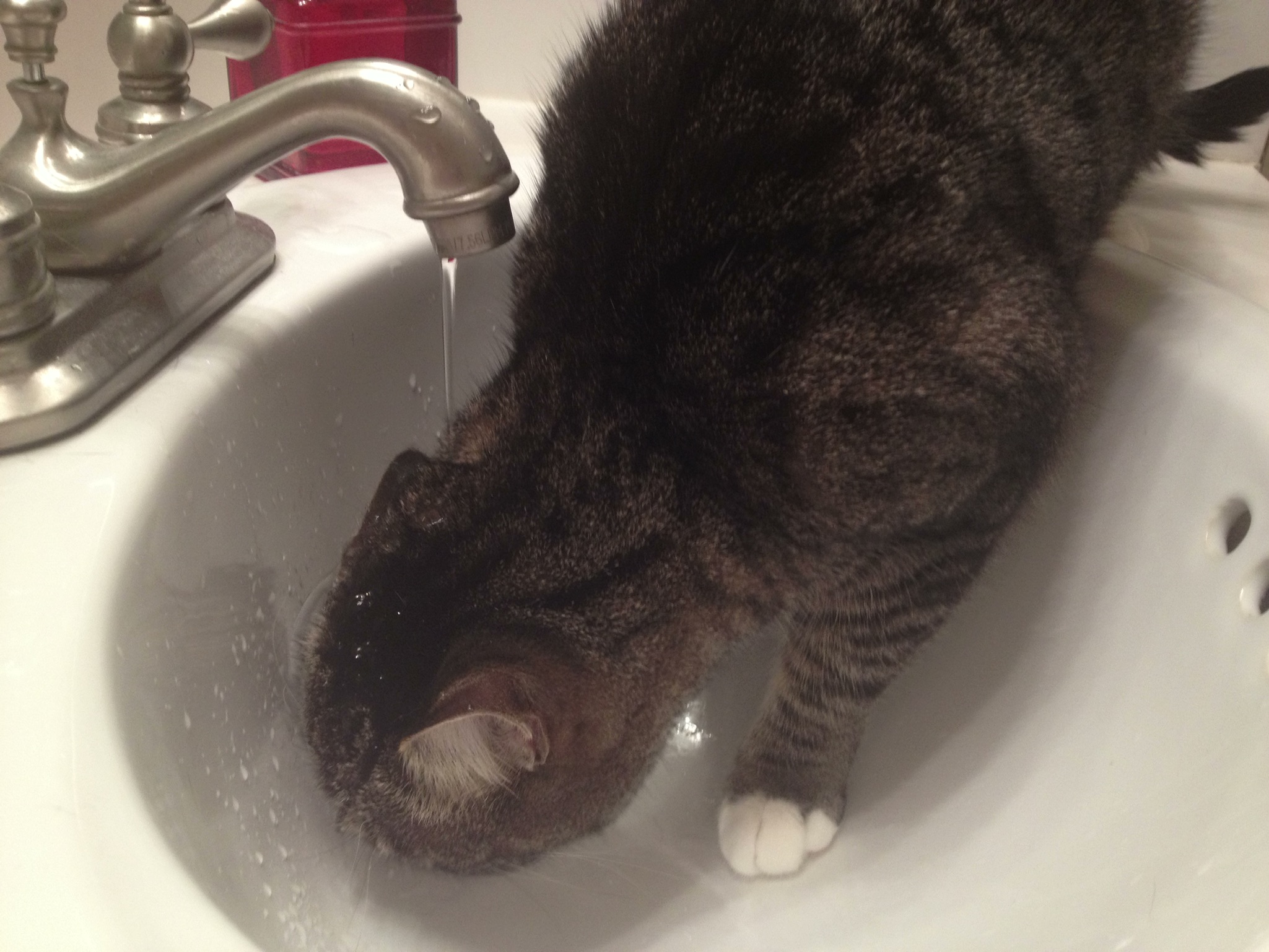
He is named after the water spirit from Spirited Away. When we first got him, he and Saru were locked in the bathroom while we acclimated them. I had turned the sink on and he CLIMBED my leg to get up there and immediately jumped into the water.
He loved to drink from the sink, but he was comically bad at it. He’d stick his head right under the stream, or let it just run over his face while he tilts his head.
His favorite toy was a round scratcher that has a ball that runs around it. He had a weird little head flip he would do when he got super excited while he played and it never failed to crack me up.
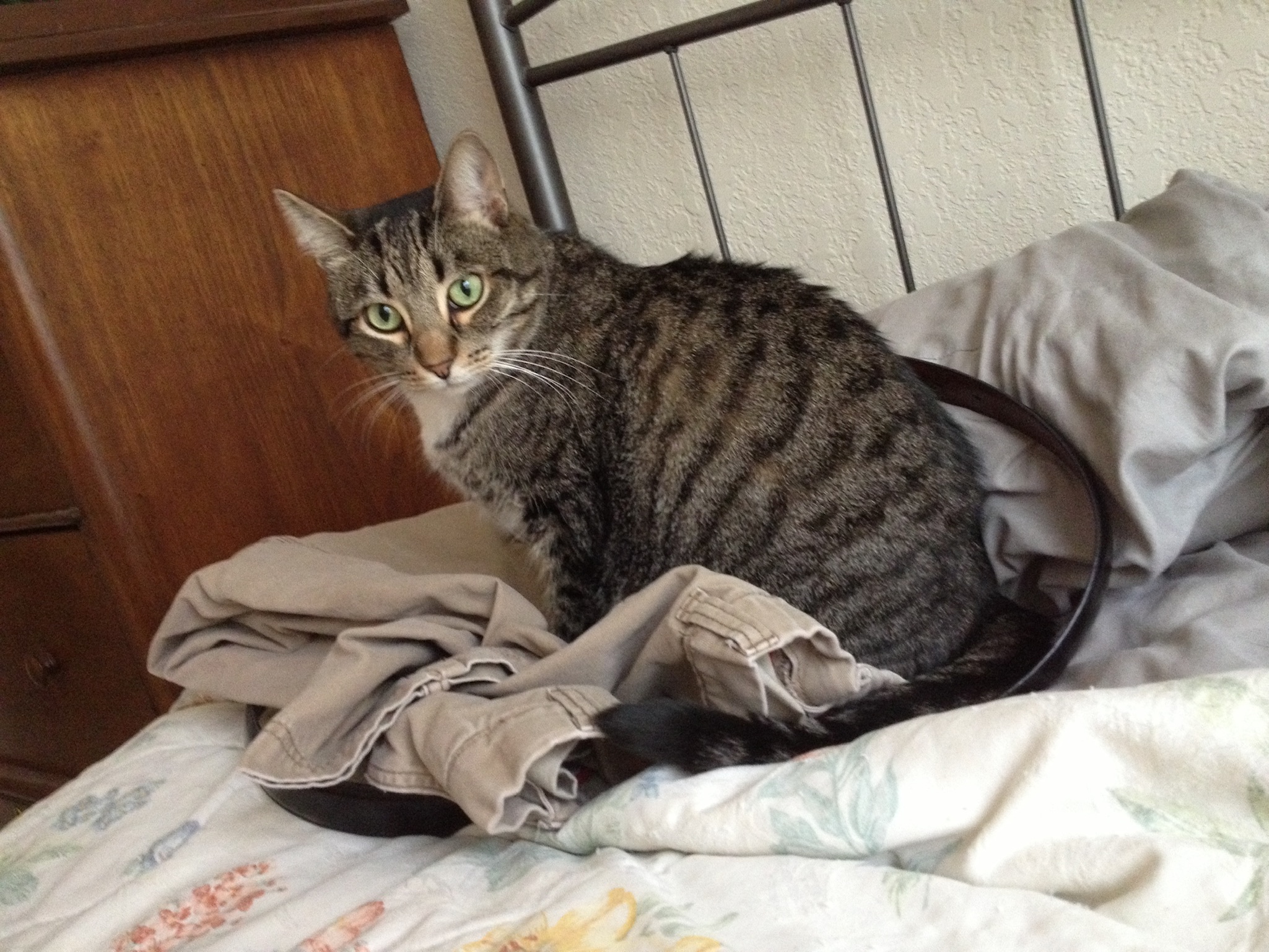
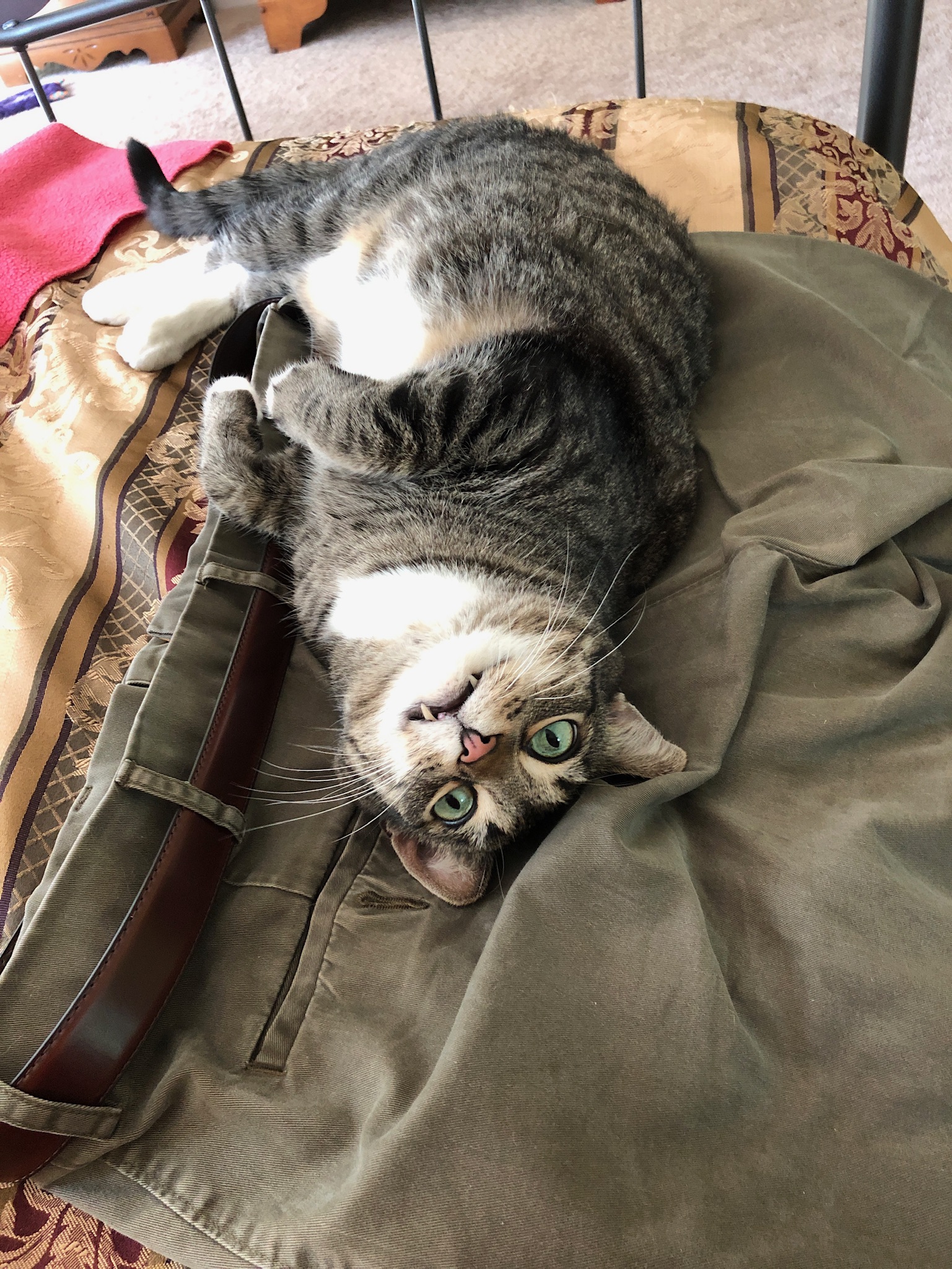
He could not RESIST clothes on the bed, especially my pants. He would jump up and rub his face on my belt incessantly.
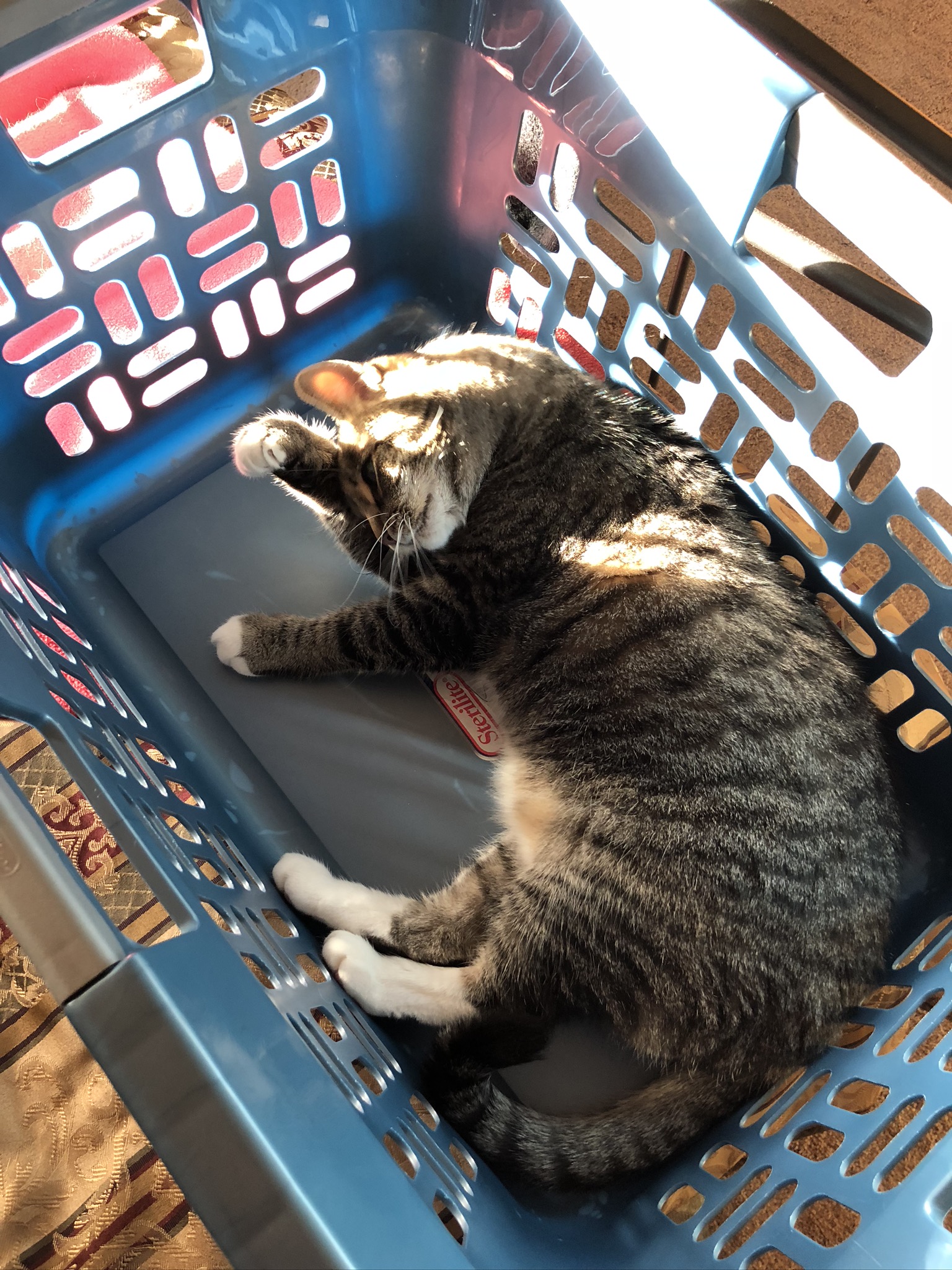
He also, like most cats, could not resist a good box. But his favorite was the laundry basket.
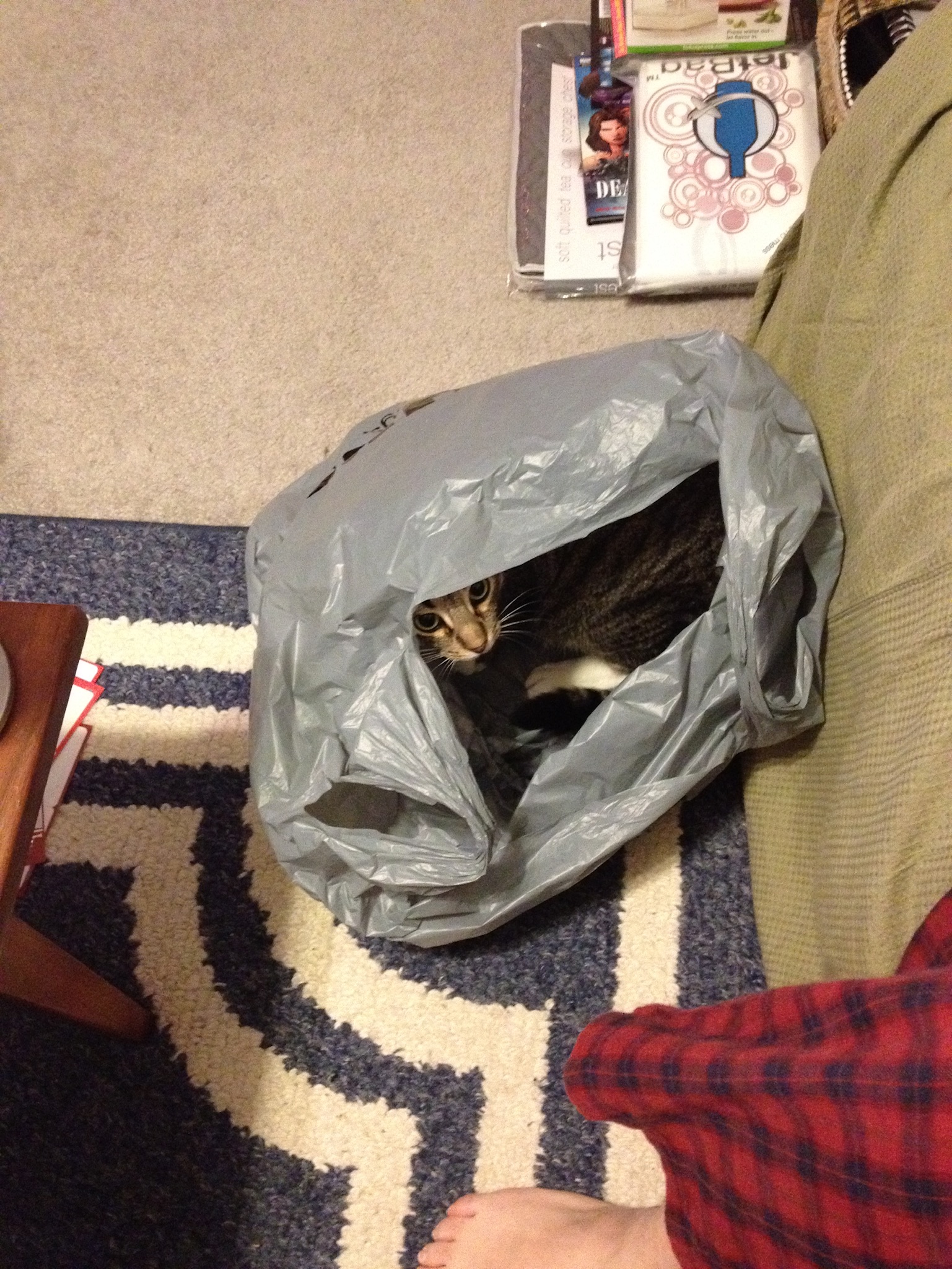
Even more than that, he loved bags. Didn’t matter if he was in it, or smashing it down and laying on it.
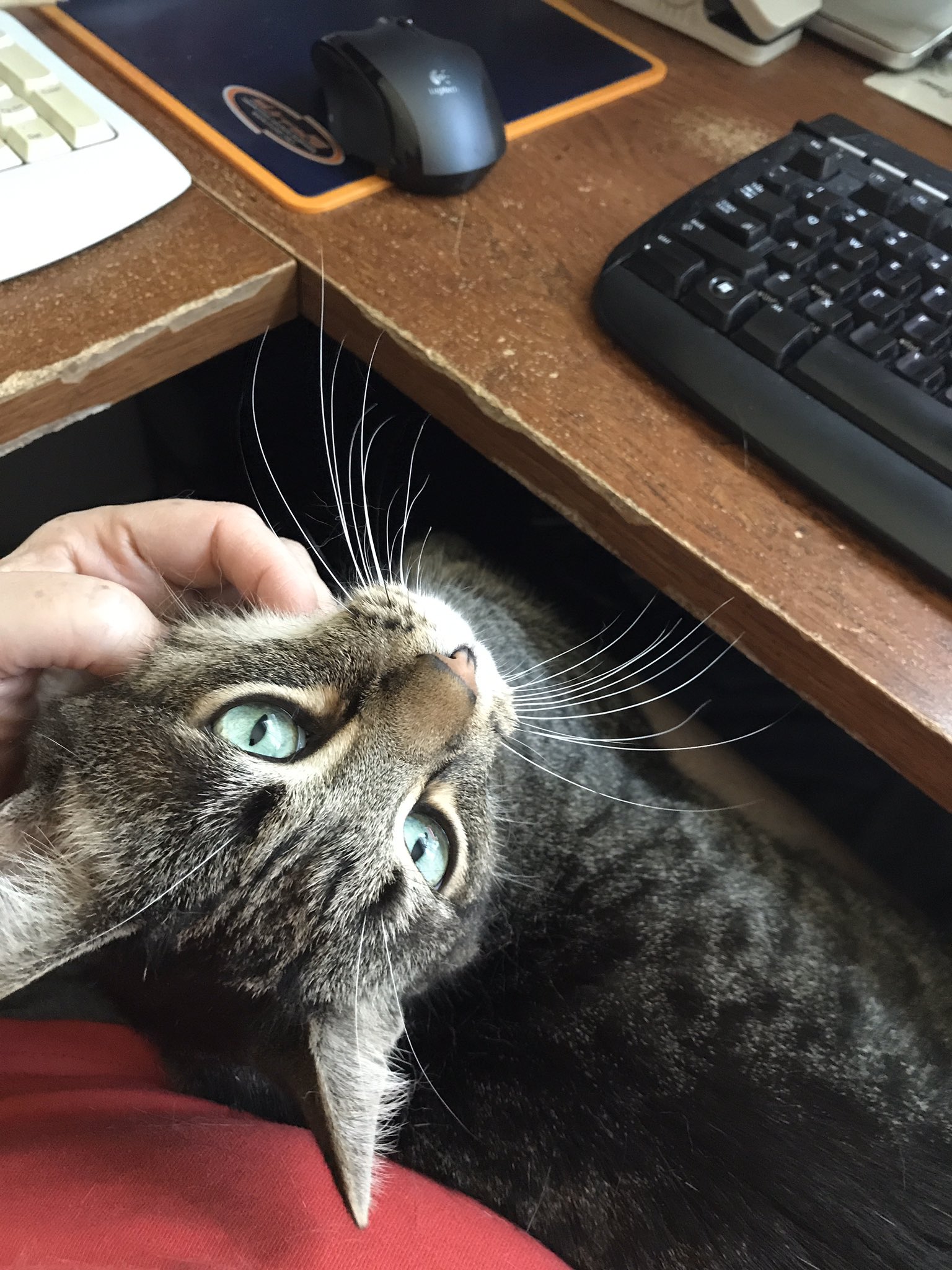
In the mornings when we were working at home, Haku would jump up on Cynthia’s desk and then walk over wanting to be in her lap. She would have to put a leg up across her other so he had a spot and then he'd hang out there for a while.
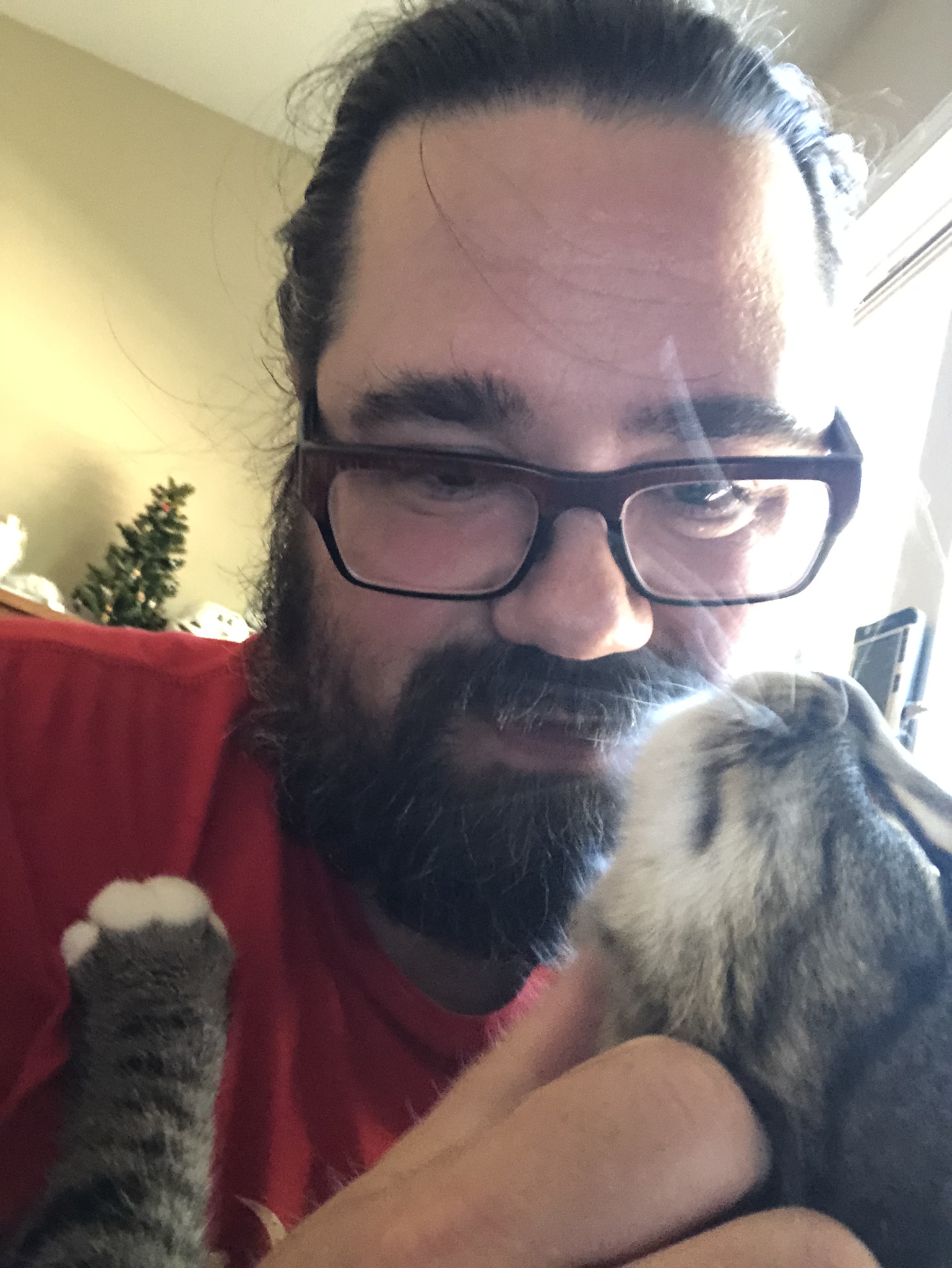
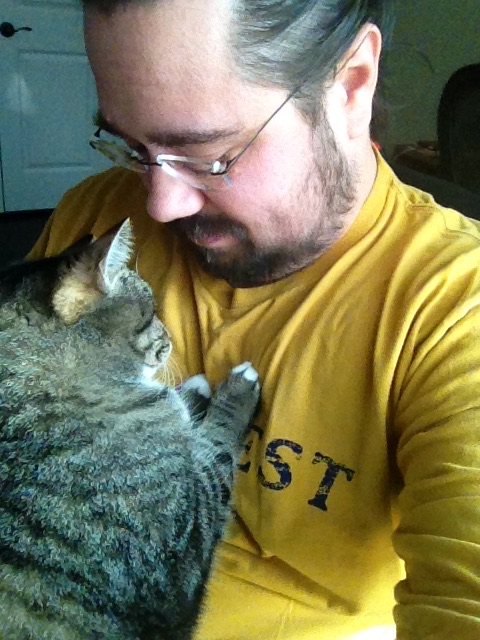
Later in the day he’d cross her desk behind me and want to get on my legs, then I’d turn back to my desk and pet him on my lap. Usually he’d put his front paws up on my chest and settle while I rubbed his ears and chin.
If there was something new or confusing in the house, he did this hilarious head dip thing. He was especially weirded out by hats, even more so when I was wearing one.
He loved to stretch and roll. He’d often get himself stretched out and then roll himself violently back and forth, licking his paws in between. This was (of course) called “lick-rolling”. #NeverGonnaGiveYouUp
As anyone who has followed me for a bit knows, he loved loved LOVED leg time. We’d sit downstairs at the TV, I’d stretch my legs out along the couch, and he’d jump up and lay on them, contorting himself into more and more ridiculous poses as he got more comfortable.
He had mastered the art of “puppy dog eyes”. While he was in the midst of all his emergency hospital visits, he’d have a different doctor each day. Every. single. one. talked about how beautiful he was and how striking his eyes were. He could trap you in them.
He was the most graceful klutz I’d ever seen. One minute he’d slip while walking along a table. The next he’d jump right up to the fridge, up on top of the cabinets, and then across the chasm to the cabinets across the way.
We first discovered he was getting up on those cabinets when we found a paw print on the range hood. 🙀
It wasn’t all grace and beauty, though. Sometimes when he’d fall asleep, he’d close his inner lids but his eyes would stay mostly open, and his mouth would hang open, derpily. (Is derpily a word?) It always made me laugh.
For some reason, when he was just hanging out in the hall or something, he’d pose in a standard-form cat rug-duck, but would put one arm straight out. I used to joke about it before it stopped being abstractly funny to me to make alt-right jokes. 😐
He had MASSIVE bunny feet. They were so damn cute.
I know I mentioned it on Twitter recently, but part of the bedtime routine was that after I brushed my teeth, I would head to bed and he would RUN to follow me and sniff at my minty breath and then go crazy rolling around. I recently managed to get a little bit of video of it.
There are probably tons of things I’m forgetting to add. He was an exceptionally photogenic cat, and I have about eleven billion photos of him, all either hilarious or cute, or both.
I hate that his body betrayed him even as his personality managed to hold on through changes in food, tons of pills, & way too many vet visits. But in the end there was no sign things would actually improve; it was likely some form of cancer in addition to other things.
It’s hard letting a pet go, but it’s even harder when the choice when to end it isn’t clear-cut. We had made the choice to do it a couple of times in the last few months, each one gut-wrenching. Each time, we had a new reason to hope and pulled back from the brink.
In the end, we did so much to try to get his insides settled, only to come right back to the same cycle of symptoms. After a few days dwelling on it, I still think it was the right time, but that doesn’t mean it was any easier to actually do.
All I know is, he was a wonderful kitty, and I’m going to miss him more than I can possibly say.
So now we’re back on land and I want to talk about an epic thing that happened on JoCoCruise. Of course, epic things happen routinely on the nerd boat but this one, especially, got me.
For the last few years we now have an entire boat for our group/themed cruise. There was a lot of concern when we got big enough that we would no longer fit in a single cruise ship auditorium for the main stage shows, and a fear that the inside jokes and “feel” would be lost. One concession to this is that on one of our stops, we had a giant festival concert where everyone could attend together. While things would never be the same, this was an awesome experience that once again showed how hard The Home Office works to make things great every year.
This year, that concert was to be in San Juan, Puerto Rico, with headliner They Might Be Giants. In true JoCo Cruise fashion, the cruise raised $80,000 for relief efforts in PR on top of all the OTHER logistical stuff that goes into running a full week themed cruise AND a concert festival. It is mind-boggling.
There was no rain in the forecast, but a sprinkling here or there happened as each of the acts played. Then we got a bigger dump of rain that backed off again pretty quickly. Jonathan Coulton did his set and things were pretty OK but starting to pick up.
Then the deluge began.
They delayed as long as they could, but sometime after 10:00 they announced they would not be allowed to turn anything on the stage back on and would have to give up hope.
BUT!
They said they were working with TMBG to get them on the boat to attempt to do a quick, stripped-down show on the main stage for anyone that could get to it. We were all disappointed but understood and started walking back — soaked — from the festival grounds to the boat.
We had every right to be angry, frustrated, sad, the whole gamut. A bunch of newcomers to the cruise this year literally signed up specifically because TMBG was going to be performing.
And yet…
The magic of the culture this crazy cruise experiment we’ve built was that everyone was laughing, telling stories, talking about how crazy it is, talking about how they’ll tell this story, SINGING AT THE TOP OF OUR LUNGS, and generally just amusing ourselves as Holland America had to process almost 2000 wet sea monkeys all at once. People jumped in to help move equipment back to the boat double-time, as they set off the fireworks that were supposed to be at the end of the show because hey, why not?
We got on the boat, went to our rooms to hang up our wet clothes and then heard the announcement. If you can get there, go to the main stage right now! TMBG will be playing until the last possible minute. They also arranged to have the show broadcast to the in-room TVs and other locations around the ship.
Holland America allowed John Linnell onto the ship as a visitor (since he did not sail with the rest of the band) and he had to get off BEFORE MIDNIGHT because the visitor pass runs out and we needed to leave the dock by 1am.
They Might Be Giants played an amazing frantic electrifying 50-ish minute set that blew us away, and then got the hell out of there in time for us to get back out to sea.
The logistics involved in putting an emergency concert together in about an hour are beyond comprehension, but they made it work. The thing that gets me, though, is that I did not hear a single complaint about a short set, or them not doing the “real” show at the outdoor venue. All I heard was thanks to The Home Office for making it possible, and an energy that can’t be replicated for all of us being a part of it.
The next day we went to a get-together for folks who have done the JoCo Cruise a lot, and the folks involved in running it were beside themselves with emotion at how everyone came together to make it happen and to support them, when it would have been so easy to let everything fall apart and be awful and wallow in the failure.
Here is my experience setting up our UniFi Security Gateway to work in bridge mode with the PACE 5268AC for use with AT&T's GigaPower fiber service.
What, No Bridge Mode?
The first thing to know is that there is no such thing as bridge mode with these routers. The problem with a true bridge is that even if you put a gateway behind the PACE, you still need the ability to plug DVRs (or the wireless bridges used by wireless DVRs) into the modem and communicate with AT&T's network to retrieve video, guide data, etc. They can't just pass all traffic through to another device.
In a traditional setup where you just use AT&T's router as the gateway for everything, it creates a simple NAT network (on 192.168.1.x) that your wired devices and DVRs share. But if you want to manage your own network behind the router -- or in my case, disable the crappy PACE WiFi and use my own access points -- their solution is to provide a pseudo-bridge mode called "DMZplus" which gives you something reasonably close, while still allowing the other ports on your router to continue to NAT out to the internet like normal. It works by leaving all of the existing stuff in place (the 192.168.1.x network, the NAT, etc.), but instead of firewalling unknown incoming connections, it passes any traffic that is not already associated with an existing session straight to the DMZplus host. This includes letting DHCP through, giving the public IP directly to the DMZplus host rather than forcing you to double-NAT.
Setting It Up
1. Change the PACE Network Range
To avoid conflicts or weird things leaking through, I went ahead and changed the network on the PACE router, since both it and the USG use the 192.168.1.x network by default. Your mileage may vary, but if nothing else it makes it easier to diagnose issues when the networks aren't similarly numbered.
Navigate to Settings -> LAN -> DHCP on the PACE router and change the radio button from "192.168.1.0 / 255.255.255.0" to "172.16.0.0 / 255.255.0.0".
If the PACE router doesn't restart itself after changing this setting, you may want to restart the PACE router just to make sure it will hand out the new range when you hook things up.
2. Connect Your Gateway
Next, connect the WAN port on your gateway to an open port the PACE router. This will cause it to get an IP address over DHCP and show up on the PACE side.
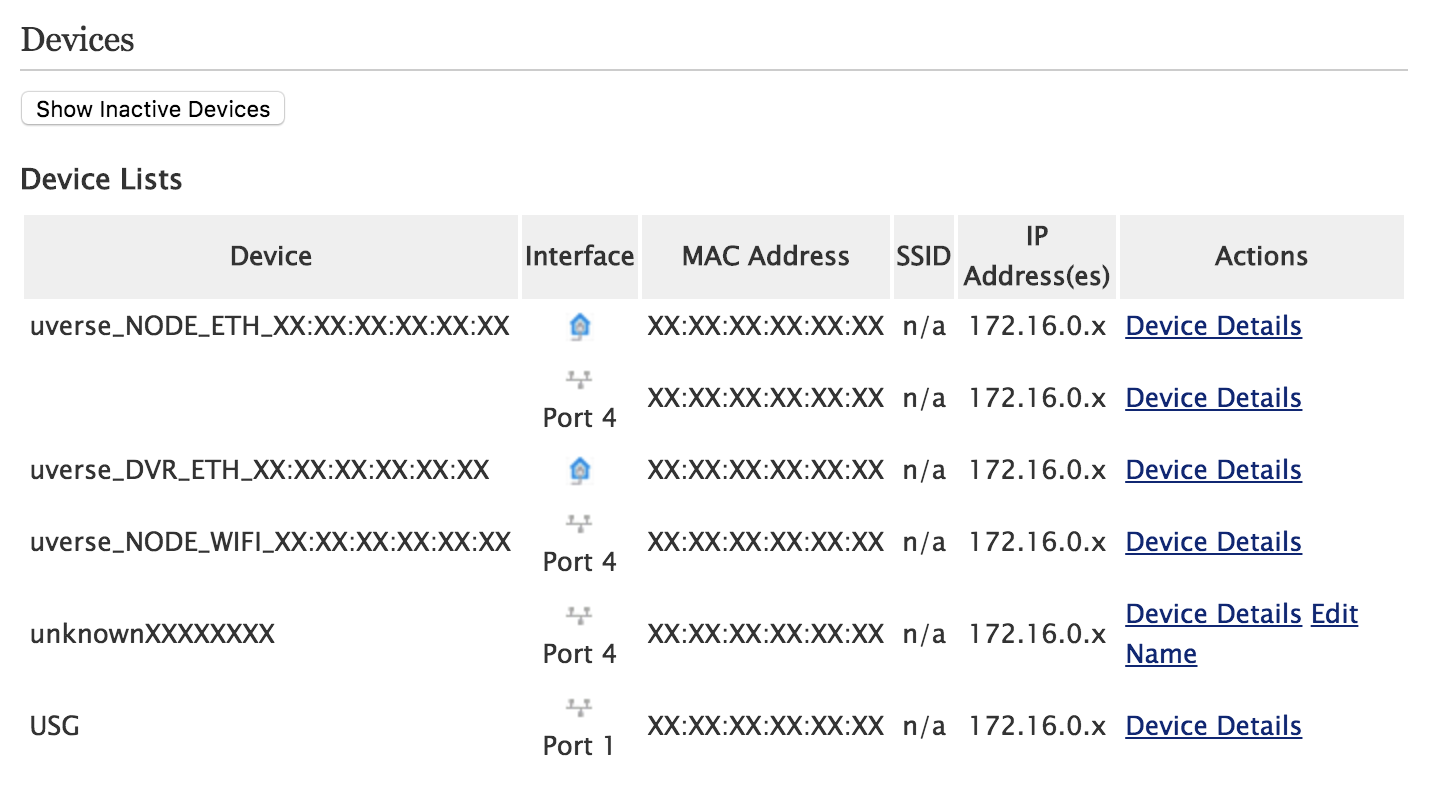
Once you do so, it should be visible in Settings -> LAN -> Status in the "Devices" section:
(The name will probably match whatever your router advertises itself as in its DHCP request.)
3. Make Your Gateway The DMZplus Host
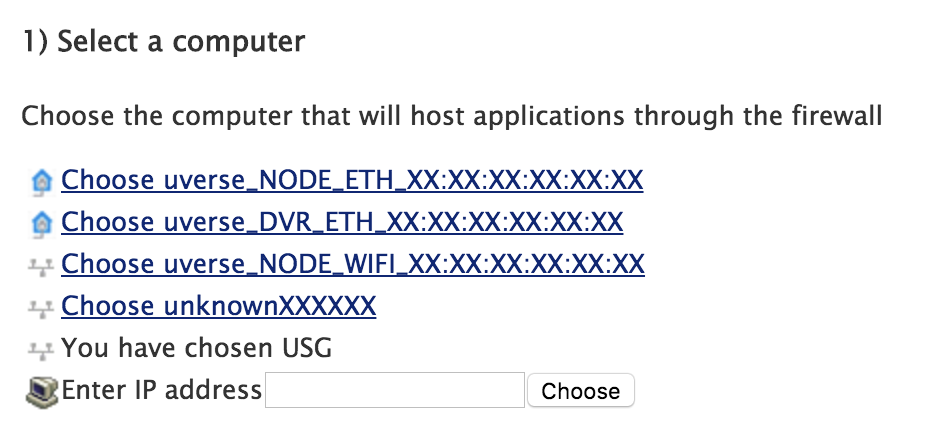
Now, navigate to Settings -> Firewall -> Applications, Pinholes and DMZ. Look for your gateway in the "Select a computer" section and click on it. Once you do, it should say "You have chosen <gateway name>"
Now that your gateway is selected, scroll down to the "Edit firewall settings for this computer" section and click the "Allow all applications (DMZplus mode)" radio button. Then click the "Save" button at the bottom.
4. A Warning About Advanced Configuration
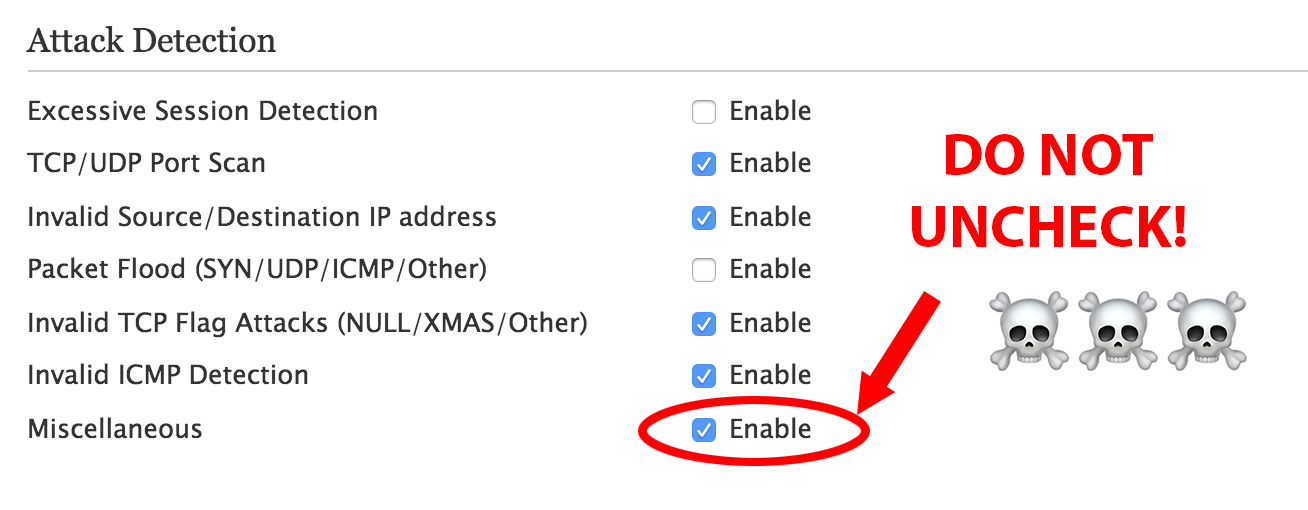
Originally I had unchecked everything under Settings -> Firewall -> Advanced Configuration assuming I would leave it up to the PACE router to handle security.
Because of this, I spent a number of days attempting to diagnose a weird bug where certain hosts would have massive amounts of packet loss and the internet was nearly unusable. It turns out that if you uncheck "Miscellaneous" under "Attack Detection", then any device that attempts to map a port using UPnP would cause the PACE router to create a faulty mapping that would pass un-NATted traffic directly through. This will cause havoc with some IoT devices, consoles, etc. that still use UPnP for port mapping.
In hindsight, it's probably good to leave most of this stuff on anyways as an extra layer of protection, if you have any other devices like DVRs or wireless DVR bridges plugged directly into the router.
5. Configure Your Gateway
I've been going through my settings on my USG to see if there's anything in particular I have to configure to make it work well with the PACE router, but I'm not finding anything beyond my own personal preferences as far as firewall, network, etc.
At one point I know I had configured it to always allow DHCP ports 67 and 68 through because I was seeing an issue with holding onto the DHCP lease, but it appears that's not actually enabled and I'm not seeing any ill effects. ¯\_(ツ)_/¯
That's It!
There really isn't too much to it, just a few pitfalls. Seriously, though, don't un-click "Miscellaneous." Don't do it!
It's almost time for the 4th annual JoCo Cruise Crazy cruise, and once again, I've foolishly decided to spend WAY too much of my free time on putting out an app to be used on the ship.
What's Different This Year?
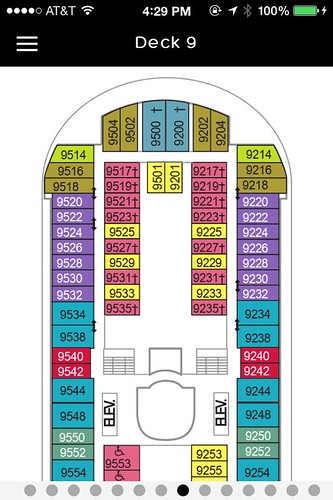
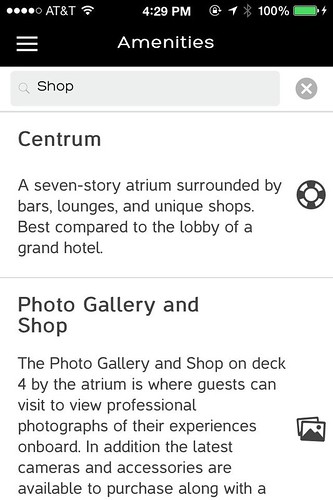
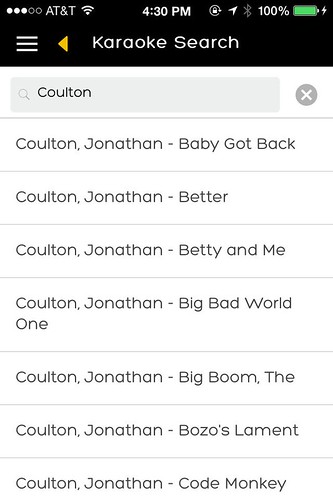
Almost everything. I started out refactoring last year's CruiseMonkey codebase, but it was a bit creaky. It's definitely interesting to see how far HTML5 "native" app development and PhoneGap/Cordova development have come in just a year.
After playing a little bit with AngularJS for a work project I was really impressed and wanted to refactor to Angular for this year's CruiseMonkey. In the process of doing so, I ran into Ionic, an HTML5 framework built specifically for making mobile UIs, and reworked the frontend using that.
While there was a direct line from there to here, in the end the codebase looks nothing like CruiseMonkey 3.
Reimagining the Backend
One of the biggest problems with last year's CruiseMonkey was the spotty wireless on the ship. Since CruiseMonkey 3 was built as a client/server app, it basically became a read-only app at the drop of a hat, whenever the network went wonky. It could cache some data when the network died, but it really didn't handle changing data in any way. After doing some research into options, I came across CouchDB, a javascript-friendly NoSQL database, and its cousin, PouchDB. PouchDB is an implementation of CouchDB that runs in the browser, and is replication-compatible with it.
That means that I can just treat PouchDB as a local database as if my app was a standalone mobile app, and all I need to synchronize events with other CruiseMonkey users is to replicate back to the database whenever the network is working. The proof will be in whether it works once we're on the ship (natch) but hopefully it will be stable.
Twit-Arr Integration
Of course, I had a grand vision of writing a complete twit-arr client this year as a part of CruiseMonkey, but time got the best of me. Kvort the Duck already undertook writing an entirely new twit-arr server and web client and it's turned out awesome in just a short time. Hopefully this means next year we have a good base to build on and integrate more closely. This year I was able to at least integrate giving you a notice if you have new Seamail (private messages on the Twit-Arr server), as well as a fun browser for viewing all of the pictures people post to twit-arr. Next year I want to be able to read and post messages, pictures, and Seamail right from the app.
One Last Look
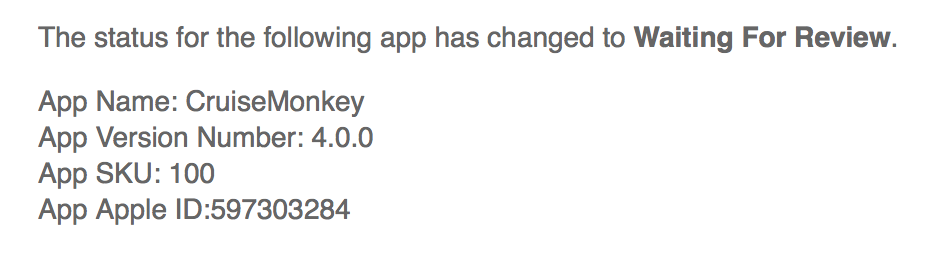
Anyways, I've submitted version 4.0.0 of CruiseMonkey to the iTunes App Store. Hopefully things go smoothly. Currently looks like the average review time is about 6 days at the moment, which hopefully gives a chance for one more update before the cruise for any bugs people might find. I'll keep doing beta testing all the way up to the cruise, most likely, but I'm looking forward to a couple weeks of not coding for 4 hours every evening after coming home from my day job coding. 😀
There was a time when Google was the shining beacon of geekdom; when tales of their crazy interview process, fancy chefs, and 20% time were spoken of in reverent whispers.
I'm realizing now that I held onto that fantasy for a lot longer than was realistic.
While I love my freakishly good job at OpenNMS (work from home lots, open-source software, good people), Google is the one place I'd always thought I'd at least entertain if the right thing came along.
Last week, I got an email from a Google recruiter (I get one every year or so, just checking in). I told him the usual, that I wasn't looking to move, but am always interested to hear about opportunities from Google. He responded back a few days ago, asking when we could talk.
When I realized I was losing something that I spend at least 60% of my web browsing time in, I finally consciously reevaluated my feelings on Google. And then, I responded to the recruiter:
Hey, sorry it's taken a bit long to get back to you, been a busy week.
I have to say, this week's news about Google Reader getting killed has solidified a growing wariness that's been building up in me for the last few years.
In the past, Google was the one company I'd consider dropping everything for if the right opportunity came along. Now it seems like all the things you did that were great -- that pulled in the alpha geeks that everyone followed -- are going by the wayside. Reader, Wave, Code Search, these are all things that I used regularly which went away.
They weren't all instant successes (I'm looking at you, Wave), but Google had great technology that they have often failed to capitalize on, instead moving on to the next thing.
I truly am happy where I'm at, and I honestly don't know that Google is the kind of company I would want to work for anymore.
Working on an open-source project teaches you a few things about dealing with software developers, and reporting bugs. I've been in the open-source world for a long time, and I remember when I first started out as a user of software, I felt glad to even have access to these tools at all, and I felt a reluctance to "bother" the developers with issues if I wasn't sure it was only me.
The problem is, issues are a bit like Schrödinger's cat: they don't exist until the developer knows about them.
Since I've become a developer of open-source software and seen things from the other side, I have one request: err on the side of opening an issue. There's nothing I love more than having an issue opened, and being able to fix it, and tell the user their problem is solved. It's that kind of feedback loop that is one of the best parts of developing software without a marketing and sales department sitting between you and your users.
So without further ado, I'd like to point out a few comments in this vein. Note that when I say "issue," it could be anything: a showstopper bug, an annoyance, or just a new feature you wish the software had.
Always Open an Issue
Sure, sometimes it's a pain to figure out where the issue reporter link is, and create an account, and validate your email, and figure out what component it goes into... but don't worry about it. If you get it in the wrong place, they'll know where it belongs and (hopefully) triage it. But if you don't open that issue, they may never know it's a problem.
Don't Worry If It's a Duplicate
Of course, you should always try searching for your issue first, maybe someone else has reported it. Make a comment if someone has. But if you can't find it, don't worry that it might be a duplicate, go ahead and open that issue. As a developer, I'd rather close a million duplicates than to never know about the issue in the first place.
Don't Just Describe the Issue, Describe What You're Trying to Do
It may be that the issue you're trying to solve is meant to work a different way, or is part of another feature you haven't used yet, or has a workaround. Make sure when you describe the problem you're having, also describe what you want to accomplish.
A Closed Issue is Not an Ultimatum
This is a corollary to "describe what you're trying to do." Just because an issue is closed does not mean it is closed for discussion. Sometimes the developer doesn't realize what you're trying to actually do, or the original issue was described in a way that doesn't make it clear that the real issue is elsewhere.
For example, OpenNMS supports creating a "path outage," which describes how particular nodes are related. There was an issue opened that said if you created a path outage, it would be wiped out when using Provisiond. It was closed, saying that you create path outage relationships with the "parent-id" tag in the provisioning group file. What the issue did not say is that these manually-created path outages were created through the UI. So the real issue is that the web UI path outage editor is not Provisiond-aware, and the issue should be reopened.
It's Better to Be Too Verbose than Not Enough
Configuration files, logs, output from `dmesg` or similar, anything you can add that makes it easier to diagnose the problem. It's a lot harder to fix a problem with a one-line error message than with 200 lines of context telling you what the software was doing just before the error. The more information you give, the more likely it is the developer will be able to figure out what's going on when the issue happened.
Does this mean your issue will be resolved quickly? Not necessarily. Everyone has their own set of priorities, and their own time set aside for working on issues. I can say that a good issue report, with a lot of detail and a good description of what you're trying to accomplish, will get a lot more traction than a 1-line report saying "it doesn't work," and it will get a heck of a lot more traction than no report at all. To paraphrase Wayne Gretzky, you miss fixing 100% of the issues you never report. 😉
So I ran into a really interesting issue in Java regular expression parsing while trying to work on an issue for a customer.
OpenNMS has the ability to listen for syslog messages, and turn them into OpenNMS events. To configure it, you specify a mapping of substring or regular expressions to UEIs (OpenNMS's internal event identifiers).
The customer saw a huge drop in performance from 1.8.0 to 1.8.1. Basically the only change to the syslog daemon was a change to use Matcher.find() instead of Matcher.matches(). The problem was that they were making regular expressions like this:
foo0: .*load test (\\S+) on ((pts\\/\\d+)|(tty\\d+))
...which weren't matching. So they changed it to put .* at the front, so matches() would get it:
.*foo0: .*load test (\\S+) on ((pts\\/\\d+)|(tty\\d+))
Upon upgrading to 1.8.1, they saw orders of magnitude slowdown. The reason is that when you haven't specified an anchor, find has to figure out the "right" starting point for the match. In doing so, it spins a LOT, compared to matches() and its implicit anchors. It's very expensive to scan all the way through the string, attempting to re-apply the regex, if it turns out there is no match. We figured this out this morning after I put together some benchmarks to show the differences:
---
regex = \s(19|20)\d\d([-/.])(0[1-9]|1[012])\2(0[1-9]|[12][0-9]|3[01])(\s+)(\S+)(\s)(\S.+)
input = <6>main: 2010-08-19 localhost foo23: load test 23 on tty1
matches = false: total time: 167, number per second: 5988023.9521
find = true: total time: 1264, number per second: 791139.2405
matches (.* at beginning and end) = true: total time: 2598, number per second: 384911.4704
find (.* at beginning and end) = true: total time: 2572, number per second: 388802.4883
matches (^.* at beginning, .*$ at end) = true: total time: 2918, number per second: 342700.4798
find (^.* at beginning, .*$ at end) = true: total time: 2648, number per second: 377643.5045
---
regex = \s(19|20)\d\d([-/.])(0[1-9]|1[012])\2(0[1-9]|[12][0-9]|3[01])(\s+)(\S+)(\s)(\S.+)
input = <6>main: 2010-08-01 localhost foo23: load test 23 on tty1
matches = false: total time: 128, number per second: 7812500.0000
find = true: total time: 1199, number per second: 834028.3570
matches (.* at beginning and end) = true: total time: 2570, number per second: 389105.0584
find (.* at beginning and end) = true: total time: 2554, number per second: 391542.6782
matches (^.* at beginning, .*$ at end) = true: total time: 2630, number per second: 380228.1369
find (^.* at beginning, .*$ at end) = true: total time: 2595, number per second: 385356.4547
---
regex = foo0: .*load test (\S+) on ((pts\/\d+)|(tty\d+))
input = <6>main: 2010-08-19 localhost foo23: load test 23 on tty1
matches = false: total time: 87, number per second: 11494252.8736
find = false: total time: 193, number per second: 5181347.1503
matches (.* at beginning and end) = false: total time: 1242, number per second: 805152.9791
find (.* at beginning and end) = false: total time: 28631, number per second: 34927.1768
matches (^.* at beginning, .*$ at end) = false: total time: 1241, number per second: 805801.7728
find (^.* at beginning, .*$ at end) = false: total time: 1242, number per second: 805152.9791
---
regex = foo23: .*load test (\S+) on ((pts\/\d+)|(tty\d+))
input = <6>main: 2010-08-19 localhost foo23: load test 23 on tty1
matches = false: total time: 85, number per second: 11764705.8824
find = true: total time: 873, number per second: 1145475.3723
matches (.* at beginning and end) = true: total time: 1812, number per second: 551876.3797
find (.* at beginning and end) = true: total time: 1879, number per second: 532197.9776
matches (^.* at beginning, .*$ at end) = true: total time: 1874, number per second: 533617.9296
find (^.* at beginning, .*$ at end) = true: total time: 1865, number per second: 536193.0295
---
regex = 1997
input = <6>main: 2010-08-19 localhost foo23: load test 23 on tty1
matches = false: total time: 80, number per second: 12500000.0000
find = false: total time: 215, number per second: 4651162.7907
matches (.* at beginning and end) = false: total time: 1339, number per second: 746825.9895
find (.* at beginning and end) = false: total time: 37722, number per second: 26509.7291
matches (^.* at beginning, .*$ at end) = false: total time: 1350, number per second: 740740.7407
find (^.* at beginning, .*$ at end) = false: total time: 1351, number per second: 740192.4500
The moral of the story is, if you're using Matcher.find(), use no anchors and no .*, but in all cases, you'll get the most deterministic behavior from always anchoring your regular expressions properly.
But I wanted to write about non-techie things, and I kept putting it off, because it felt kind of weird posting them to a blog that is obviously mostly about my tech adventures. So, I've set up a new blog...
If you feel like following it, go for it, if not, don't. 🙂
Also, I've gone ahead and completely reworked my blog, and *cough* replaced it with WordPress, something I thought I'd never do. While WP has a somewhat sordid history and does require the upgrade train more often, it is easier to keep up-to-date, and appears to have a better track record more recently. I'd let the old blog software stagnate and found myself resisting messing with it more and more.
Let me know if you run into any issues. I think some old links will be busted, but google sitemap should pick up the new stuff pretty quickly, I hope.
Sorry I've been a bit quiet lately, things have been crazy with work and I've only sporadically had time to update Fink stuff (incidentally, if you're using any of my perl module packages, I updated about 100 of them this week.) I'll be at WWDC next week if anyone wants to get together.
Anyways, as I've blogged about before, one of my hobbies is writing music, and I've been using TuneCore for all of my digital distribution to the iTunes Music Store, Amazon, etc. TuneCore has an awesome discussion list for artists using their service called the "TuneCouncil" that ranges from hobbyists like me up to producers and folks representing large and numerous big-name acts. It's an amazing chance to level the playing field and have a real conversation between artists and others trying to find their way through the new music economy.
Recently, the subject of iMixes came up. An iMix is essentially a playlist or mix tape that you can upload to iTunes. The iMix will show up in the iTunes Store when you view the songs associated with that iMix, and people can rate them, etc. It's a good way to find new music, based on things you already know you like. For an artist, it's a great marketing tool, you can make playlists of music that complements your own, and get the word out. TuneCore has a tutorial on creating an iMix on their Marketing & Promotion page, but one thing it doesn't mention is that as of iTunes 9.0, Apple has changed the interface and you can no longer put tracks you don't currently have in your iTunes library into an iMix. Previously, you could drag songs directly from the iTunes store listing into a playlist, whether they were a part of your collection or not.
Thankfully, this is still a possibility if you downgrade iTunes to 8.2.1.
Removing iTunes
First, you'll have to remove your existing copy of iTunes. Be careful deleting files. There is no warranty for my blog! If it breaks in half, you get to keep both halves! Also note, if you downgrade iTunes, you will have to delete or rename your existing iTunes directory (Home -> Music -> iTunes on Mac).
Windows
On Windows, you should be able to uninstall iTunes through the control panel.
Mac
On Mac OS X, drag iTunes from your Applications folder to the trash, and then drag the "iTunes" and/or "iTunesX" packages from the Library -> Receipts folder to the trash:
Install iTunes 8.2.1
8.2.1 was the last version that had an interface which allowed dragging tracks from the iTunes Music Store interface. You can download them here:
Now that you've got an old version of iTunes installed, you should be able to create a playlist (File -> New Playlist) and then go to the iTunes Store and search for your songs to add. You should be able to drag from the list on the right into your playlist:
Select your playlist on the left side, and you should see the little circle with an arrow appear next to the name. Click that, and you should have the option of creating an iMix: